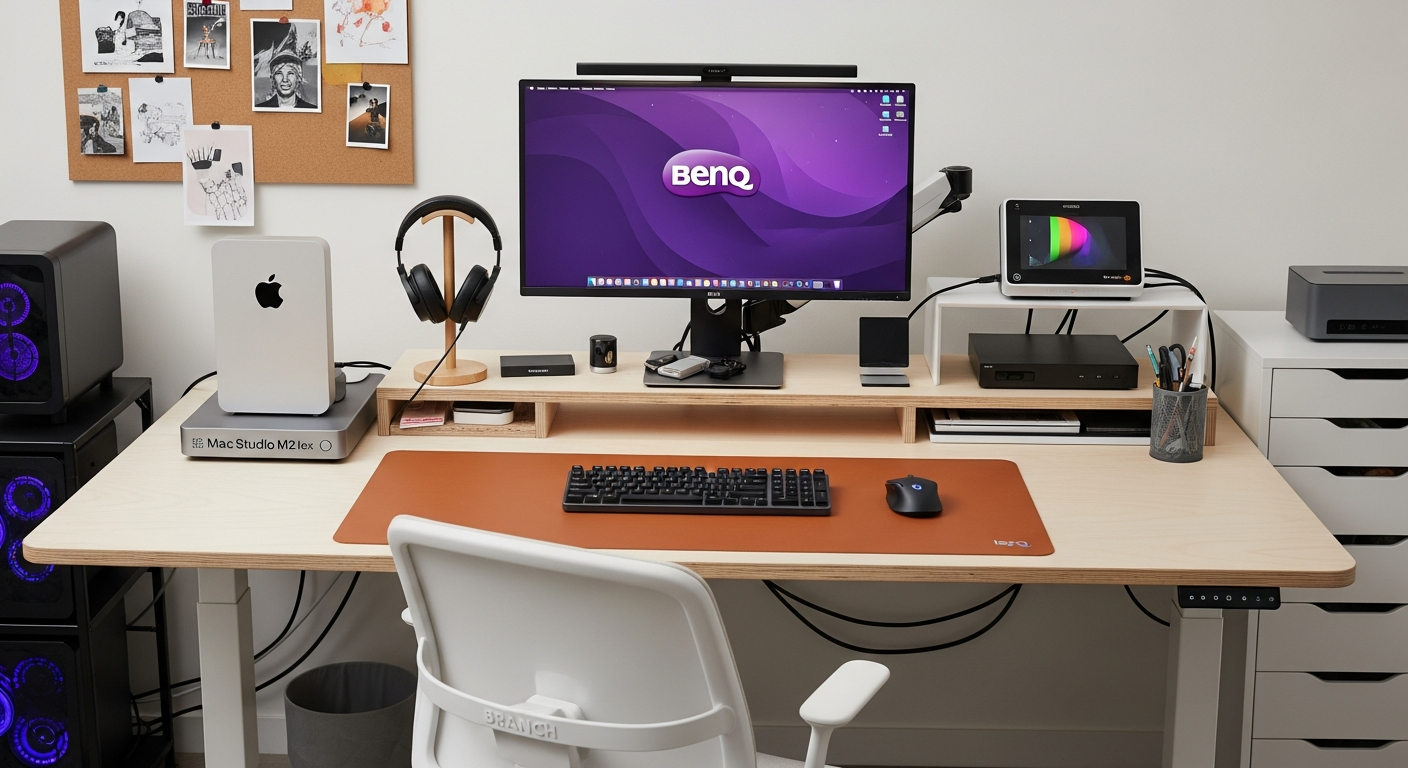
Best Streaming Desk Setup in 2026

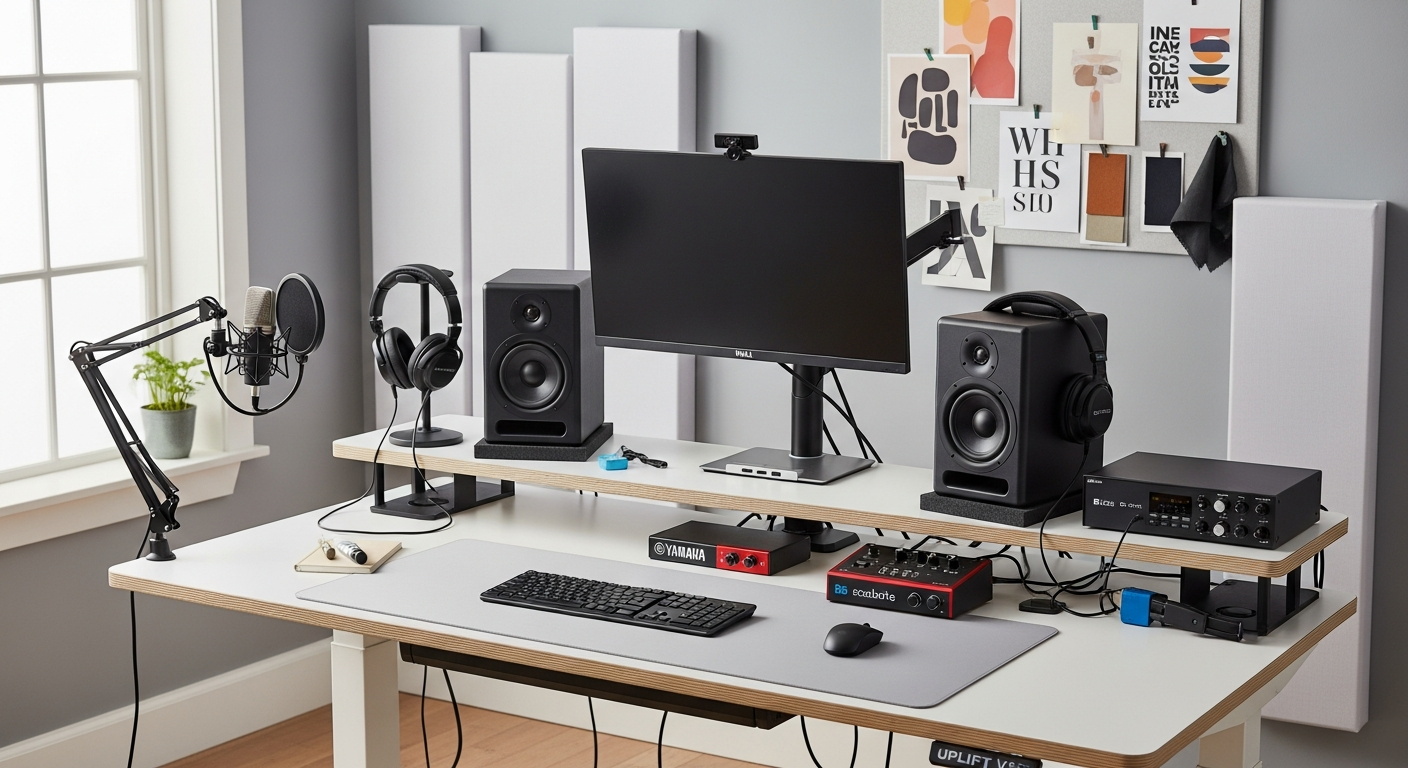
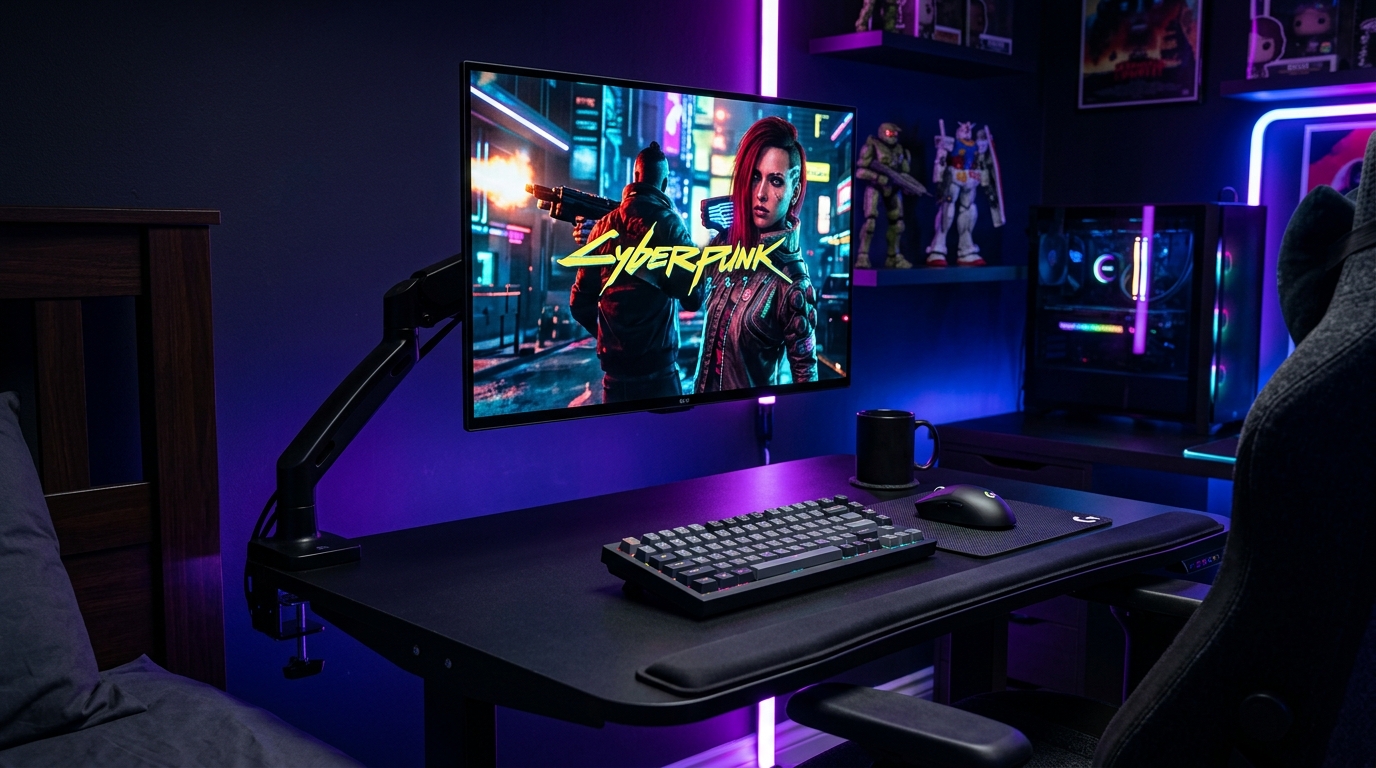
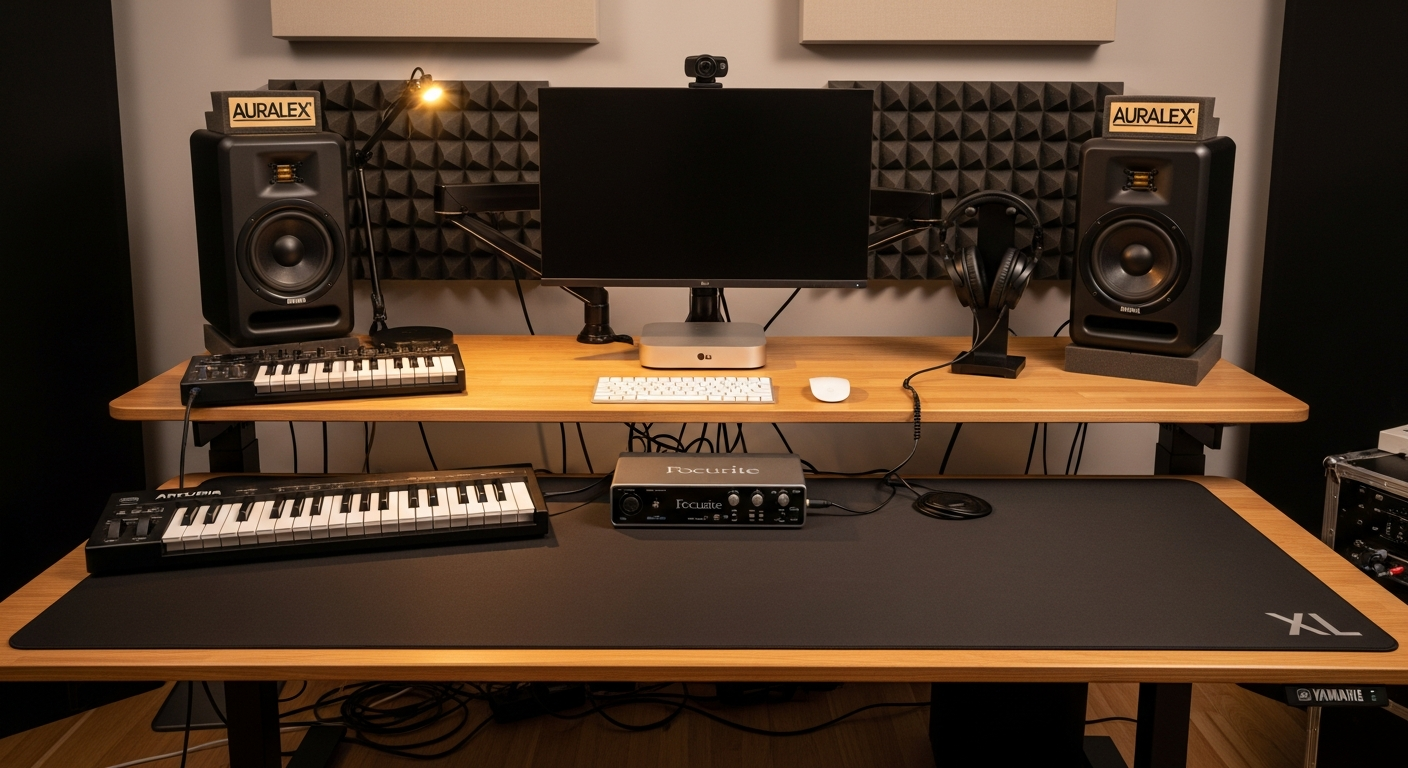
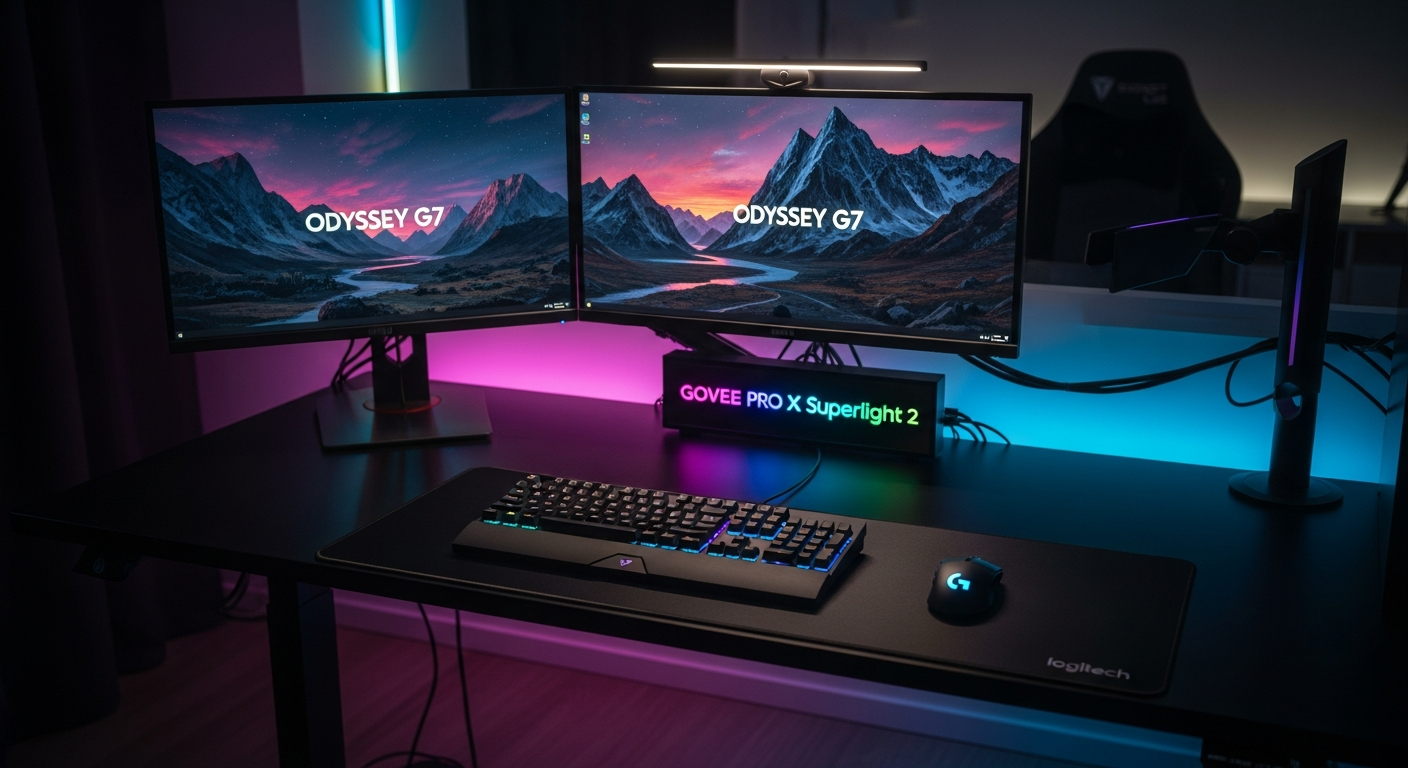
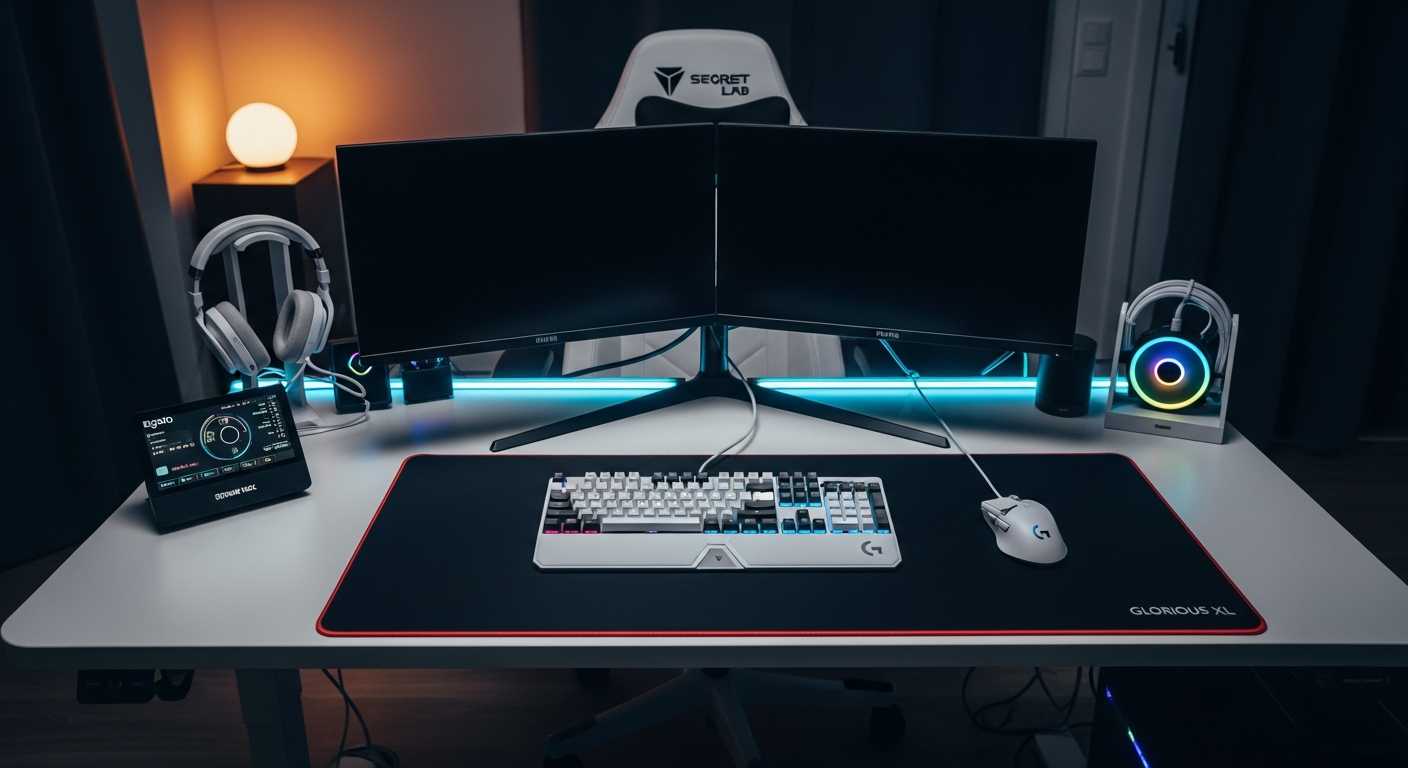
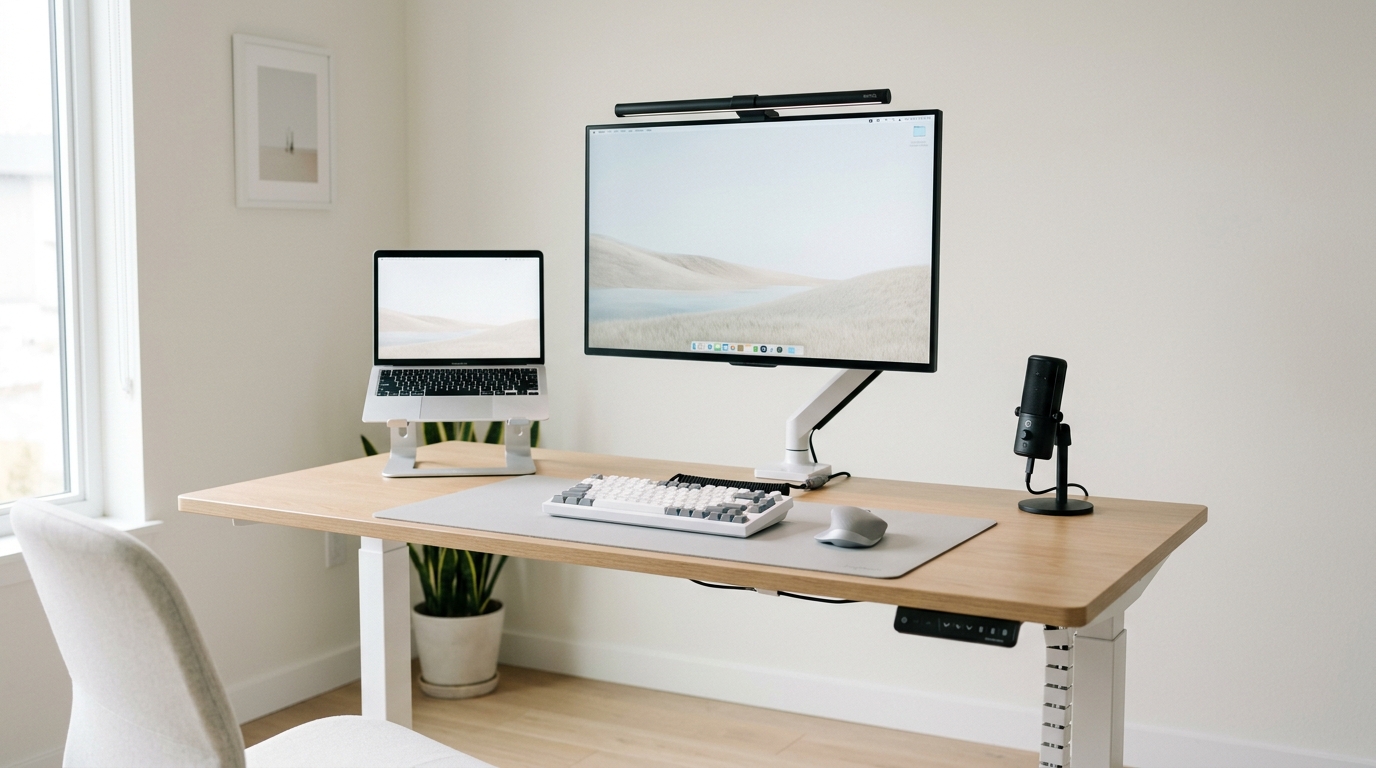
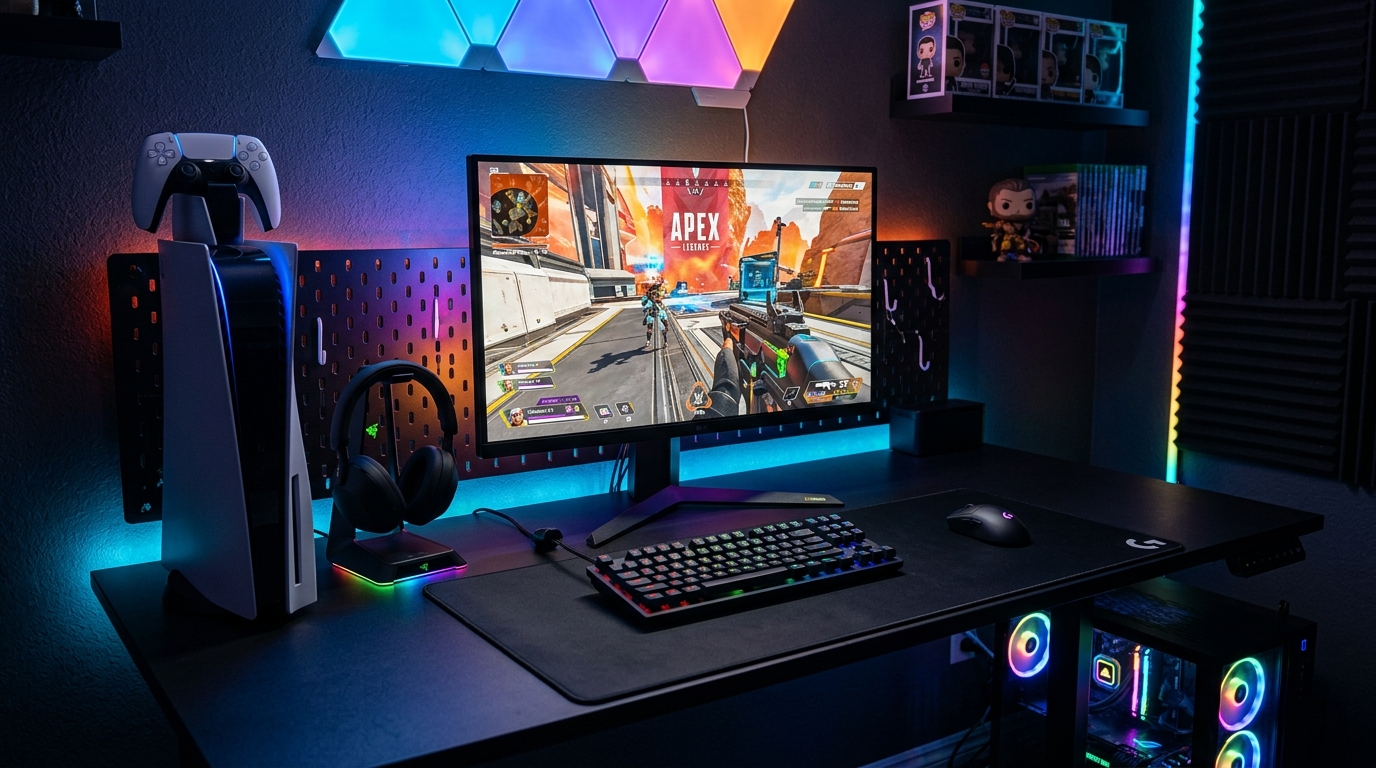
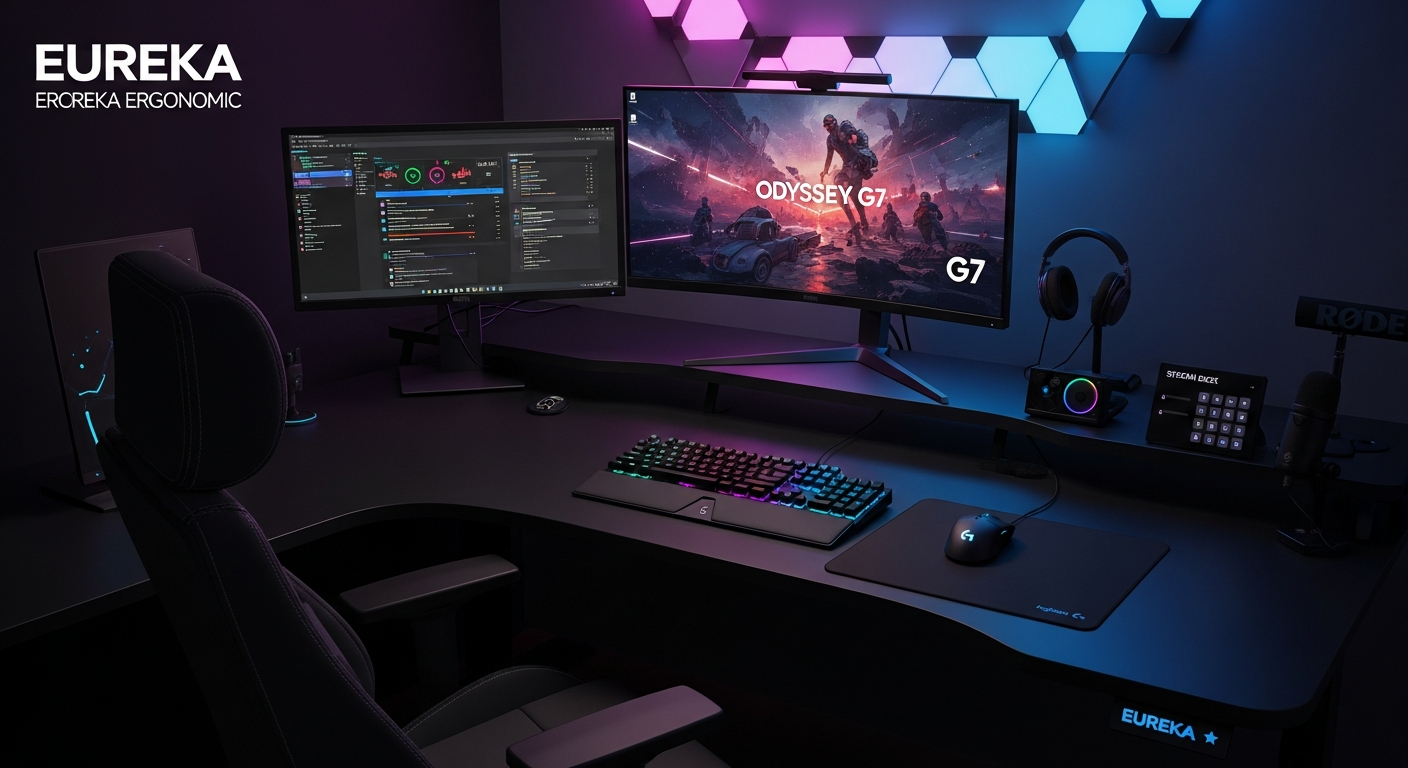
A streaming setup needs to handle gaming or content creation while simultaneously capturing great video and audio for your audience. Cable management becomes critical when you're adding a camera, key light, microphone arm, and stream deck to an already-packed desk. These setups from active streamers show how to fit everything together without chaos.

Featured Setups

Frequently Asked Questions

What equipment do I need to start streaming?
The basics: a decent webcam or DSLR/mirrorless camera, a USB microphone (Blue Yeti or Elgato Wave), a key light for your face, and a capture card if streaming console games. A Stream Deck is highly recommended for managing scenes and overlays.
How do I manage cables with a streaming setup?
Use a cable management tray under your desk, velcro cable ties, and a monitor arm to free up desk space. Route cables through the monitor arm where possible. A USB hub reduces cable clutter by consolidating connections.