Best Keychron Keyboards in 2026: Q-Series vs. V-Series vs. K-Series
Which Keychron keyboard should you buy? A guide to the Q, V, and K series differences, and the best model for typing, gaming, and wireless use.
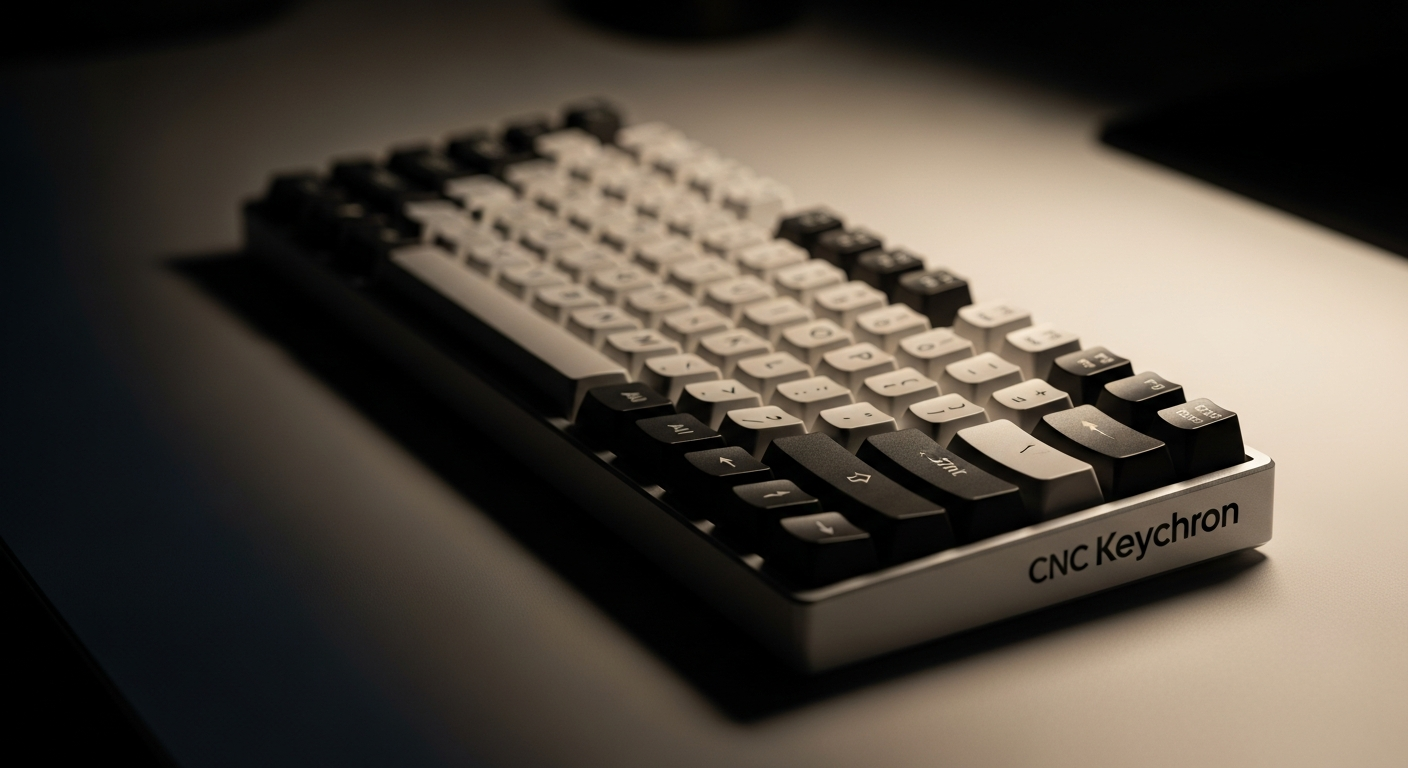
Quick picks: Best overall: Keychron Q1 Pro | Best compact/beginner: Keychron K2 Pro | Best full-size: Keychron Q5 | Best low-profile: Keychron K3 Pro | Best 60%: Keychron Q60
We may earn a commission if you buy through our links.
Understanding the Keychron Series
Keychron makes three primary lines for desktop use. Each targets a different buyer.
The Q series is Keychron’s premium tier. Frames are CNC-machined aluminum. All Q models use gasket mounting, which suspends the switch plate on foam or silicone. The result is a softer, more cushioned typing sound. Q models support tri-mode wireless (USB-C, 2.4GHz, Bluetooth 5.1) and hot-swap PCBs. They’re heavier and more expensive. They’re the choice when typing quality and desk aesthetics matter.
The V series uses a polycarbonate top instead of aluminum. The typing sound is brighter and higher-pitched compared to Q boards. The build quality is still solid. V models are priced lower, making them the value entry into gasket-mount typing. Like the Q series, they support tri-mode wireless and hot-swap.
The K series is Keychron’s accessible line. Frames are plastic or aluminum depending on the model. Some K models support wireless, some are wired only. The K series covers more layout options than Q or V, including low-profile variants. The price range is wide: from $50 for basic models to $100 for the K2 Pro or K3 Pro with hot-swap and wireless.
All current Keychron keyboards use Gateron G Pro or Keychron-branded switches. Available in red (linear), brown (tactile), or blue (clicky). Hot-swap sockets on Pro and Q/V models let you swap to any MX-compatible switch without soldering.
Keychron Q1 Pro
The Keychron Q1 Pro is the best Keychron keyboard overall. The 75% layout keeps the function row and arrow keys without the numpad. The aluminum frame and gasket mount produce a typing sound that’s noticeably better than plastic-frame boards.
Tri-mode wireless is standard. The volume knob on the top right is a practical addition. Hot-swap PCB included. At $199, it’s the most complete keyboard Keychron makes. It handles typing, desk aesthetics, and wireless flexibility in a single package.
The weight (1.7 kg) means this stays on your desk. It’s not a travel board. If portability is a requirement, look at the K series.
Keychron K2 Pro
The Keychron K2 Pro is the best Keychron keyboard for beginners and the best option under $100. It’s a 75% wireless board with tri-mode connectivity and hot-swap sockets. The plastic frame is lighter and less premium than the Q series but still solid.
The layout is practical: function row, arrow keys, and a navigation cluster fit into a compact footprint. ABS keycaps are included. Many owners replace them with PBT keycap sets after a few months for better texture and durability.
For a first mechanical keyboard, the K2 Pro covers everything without asking for a Q-series investment. If you later decide you want the premium build, the Q1 Pro is the natural upgrade.
Keychron Q5
The Keychron Q5 is the best Keychron keyboard for users who need a full-size layout. It’s a 96% keyboard, meaning it fits the numpad into a compact form by removing the gaps between key clusters. The result is more keys than a TKL with less footprint than a true full-size board.
The aluminum frame and gasket mount match the Q1 Pro’s build quality. Tri-mode wireless and hot-swap are standard. It’s the right choice for anyone who uses the numpad regularly for accounting, data entry, or productivity work.
At $220, it’s slightly more expensive than the Q1 Pro. The price difference reflects the larger PCB and additional keys.
Keychron K3 Pro
The Keychron K3 Pro is the best Keychron low-profile keyboard. It uses Keychron’s low-profile optical or mechanical switches in a 75% compact layout. The key height is roughly half that of standard boards. No wrist rest is needed at most desk heights.
Tri-mode wireless is included. Hot-swap is supported. The aluminum top plate feels solid. The typing experience is lighter and faster than standard switches. For users who want ergonomic benefits without switching to a split board, the K3 Pro is the most practical option in the Keychron lineup.
The switch feel is different from standard-height boards. If you’ve only used standard keyboards, order a low-profile switch tester before committing.
Keychron Q60
The Keychron Q60 is the best Keychron 60% keyboard. The minimal layout removes the function row, navigation cluster, and arrow keys. It’s the most compact Keychron board and the cleanest desk option.
The aluminum frame and gasket mount match other Q-series boards. Tri-mode wireless and hot-swap are included. Arrow keys and function row are accessed through layers (holding a function key while pressing other keys).
The Q60 is for users who already know they want a 60% layout. If you’re not sure, start with the 75% K2 Pro or Q1 Pro. A 60% keyboard has a learning curve for navigation and shortcuts.
Bottom Line
The Q1 Pro is the right answer for most people who want the best Keychron has to offer. Buy the K2 Pro as a first mechanical keyboard or if the Q1 Pro budget is too high. Choose the Q5 if you regularly use a numpad. Pick the K3 Pro for low-profile typing at a clean desk without a wrist rest. And choose the Q60 if you want a 60% board and the Q series build quality.
Frequently Asked Questions
- What is the difference between the Keychron Q and V series?
- The Q series uses an aluminum frame and gasket mounting for a premium typing sound and feel. The V series uses a polycarbonate top, which gives a slightly different sound profile at a lower price. Both are hot-swap and tri-mode wireless. The Q is better for desk builds where aesthetics and sound matter.
- Is Keychron good for gaming?
- Yes, particularly the K and Q series. They use quality switches, have minimal input lag on 2.4GHz wireless, and offer compact layouts like 60% and TKL that gamers prefer. They're not competitive-focused like a Wooting, but for casual and enthusiast gaming they're excellent.
- Which Keychron keyboard is best for a beginner?
- The Keychron K2 Pro is the best starting point. It's a 75% layout that keeps the function row and arrow keys without the numpad bulk. It's wireless, hot-swap, comes in multiple switches, and costs under $100. A great first mechanical keyboard.
- Does Keychron ship worldwide?
- Yes. Keychron ships from China and Hong Kong to most countries. Shipping typically takes 7-14 days. Orders over a certain threshold often qualify for free shipping. Check Keychron's website for current shipping costs to your region.