Best Mechanical Keyboards in 2026: Gaming, Typing, and Wireless
The best mechanical keyboards in 2026 for typing, gaming, and wireless use. Top pick: Keychron Q1 Pro. Covers switches, layouts, and who each one suits.
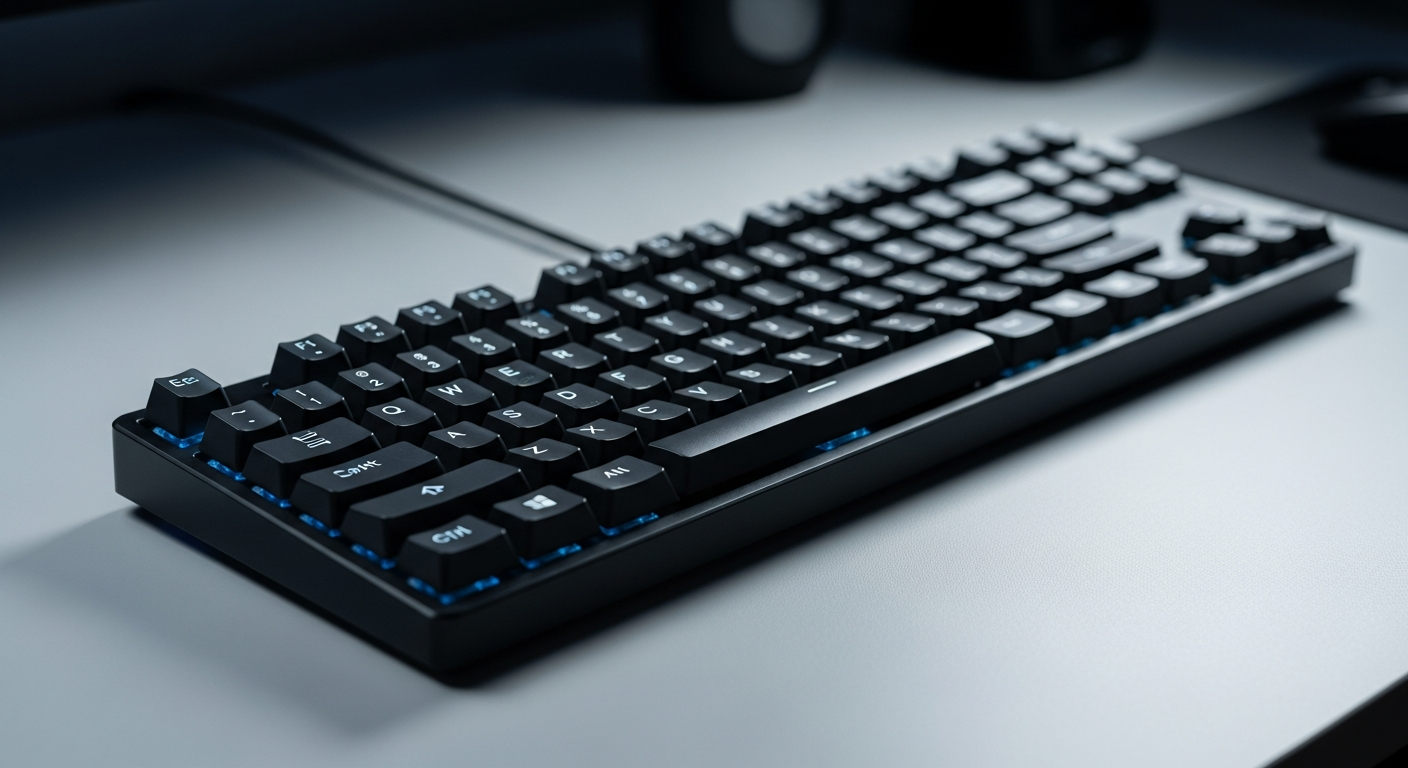
Quick picks: Best overall: Keychron Q1 Pro | Best compact: Keychron K2 Pro | Best for offices: Logitech MX Mechanical | Best for gaming: Wooting 60HE | Best budget wireless: NuPhy Air75 V2 | Best for customization: Ducky One 3
We may earn a commission if you buy through our links.
What to Look For
Switches
Switches define how your keyboard feels and sounds. Linear switches like Cherry MX Red or Gateron Yellow are smooth and quiet. They suit gamers and quiet typists. Tactile switches like Brown or Akko CS Jelly have a bump at actuation. They give feedback without noise. Clicky switches like Kailh Box White click audibly on each press. They’re satisfying but loud in shared spaces.
Actuation force matters too. Lighter switches (35-45g) register fast but can cause accidental presses. Heavier switches (50-67g) require more deliberate keypresses.
Layout Size
Full-size keyboards include the numpad. They take up the most desk space. TKL (tenkeyless) keyboards remove the numpad and are the most popular balance of function and space. 75% layouts add a function row and arrow keys in a compact package. 60% layouts remove the function row and navigation cluster entirely. They’re the most minimal option.
Hot-Swap
Hot-swap sockets let you change switches without soldering. This is worth paying for. Most keyboards above $100 now include hot-swap support. If you’re unsure which switches you like, hot-swap saves you from buying a new board.
Build Quality
Budget keyboards use plastic frames. Premium boards use aluminum frames or polycarbonate tops. Gasket mounting suspends the switch plate on foam or silicone. This creates a softer, quieter typing sound. It’s the biggest sound difference between a $50 keyboard and a $150 one.
Keychron Q1 Pro
The Keychron Q1 Pro is the best mechanical keyboard for most people. It has an aluminum frame, gasket mounting, and tri-mode wireless in a 75% layout. The typing sound is deep and cushioned. It ships with Gateron G Pro Red or Brown switches pre-installed. The volume knob on the top right is genuinely useful.
At $199, it’s an investment. The weight (1.7 kg) means it stays on your desk. This is not a travel keyboard. RGB compatibility is limited by south-facing LEDs on some switch types. But for a desk-bound daily driver, nothing at this price beats it.
Keychron K2 Pro
The Keychron K2 Pro is the best compact mechanical keyboard under $100. It’s a 75% wireless board with hot-swap sockets and tri-mode connectivity. The plastic frame is a step below the Q series, but it doesn’t wobble and the flex is minimal.
It’s the right pick for anyone buying their first mechanical keyboard. The layout keeps the arrow keys and function row. It works over Bluetooth for multi-device switching. ABS keycaps are included, though many owners swap them for PBT sets after a few months.
Logitech MX Mechanical
The Logitech MX Mechanical is built for office use. It uses Logitech’s tactile brown-style switches that are quieter than standard browns. The typing profile is lower than most mechanical keyboards. That helps in environments where coworkers are nearby.
It pairs to three devices over Bluetooth and has a solid battery life of 10 months with backlighting off. It lacks hot-swap support. The switches are proprietary, so you’re locked into what Logitech offers. But if your priority is quiet, office-appropriate typing with reliable wireless, it’s the right tool.
Wooting 60HE
The Wooting 60HE is the current benchmark for competitive gaming keyboards. It uses Lekker analog switches that allow rapid trigger: the key resets the moment you release it rather than at a fixed point. This allows faster key re-presses in shooters like Valorant or CS2.
The 8000Hz polling rate is available as a firmware option. The Wootility software is the most capable configuration tool available on any keyboard. The tradeoffs are real: no wireless, no function row, and a premium price for a 60% board. If you’re a casual gamer or need a full layout for work, look elsewhere.
NuPhy Air75 V2
The NuPhy Air75 V2 is the best budget wireless mechanical keyboard. It uses low-profile switches and has a slimmer profile than most boards in this class. The aluminum top plate feels solid. Tri-mode connectivity (USB, 2.4GHz, Bluetooth) is included at under $120.
The typing feel is different from standard-height boards. Low-profile switches have shorter travel and a lighter actuation. Some typists love this. Others find the shorter travel less satisfying. Try a low-profile switch tester before committing. The battery lasts roughly 50 hours with backlighting on.
Ducky One 3
The Ducky One 3 is the best keyboard for customization. It supports hot-swap and uses a standard layout with south-facing RGB LEDs. Keycap compatibility is excellent. Most third-party PBT sets fit without issue.
Ducky keyboards have a dedicated following in the custom keyboard community. The polycarbonate case version has a unique typing sound: bright and airy. The build quality is consistent across units. It ships with Cherry MX or Gateron switches depending on the variant. At around $100, it’s priced fairly for what it offers. It doesn’t have wireless, which is a real limitation for some setups.
Bottom Line
The Keychron Q1 Pro is the right pick for most people. It covers typing quality, build quality, and wireless in a single board. Buy the K2 Pro if you want the Keychron experience under $100. Choose the Wooting 60HE if competitive gaming is your primary use case. The MX Mechanical is the sensible office choice. The NuPhy Air75 V2 suits anyone who wants wireless on a tighter budget. And the Ducky One 3 is for those who want to go deep on customization.
Frequently Asked Questions
- What makes a keyboard mechanical?
- Mechanical keyboards use individual physical switches under each key instead of a rubber membrane. Each switch has a spring mechanism that actuates at a specific point. This gives more precise feedback and a longer lifespan than membrane keyboards.
- Are mechanical keyboards better for typing?
- For most people, yes. The tactile or audible feedback from mechanical switches makes it easier to type accurately and reduces bottoming out, which causes fatigue over long sessions. The difference is noticeable after a few days of use.
- What is the best mechanical keyboard switch for beginners?
- Brown switches are the standard recommendation for beginners. They have a tactile bump without being loud, making them suitable for offices and shared spaces. Red switches are linear and quiet, good for both gaming and quiet typing environments.
- Are expensive mechanical keyboards worth it?
- Premium keyboards ($150+) offer better build quality, gasket mounting for a softer typing sound, and more switch options. For daily typing, the improvement in sound and feel is real. For gaming, the performance difference above $80 is minimal.
- What is a hot-swap keyboard?
- A hot-swap keyboard lets you pull out and replace switches without soldering. This means you can try different switch types after buying the keyboard. Most keyboards in the $100+ range now include hot-swap sockets.