Best Monitors for Your Desk Setup in 2026
The best monitors for home office and gaming desk setups in 2026. Covers 4K, ultrawide, 1440p, and budget options with clear recommendations by use case.
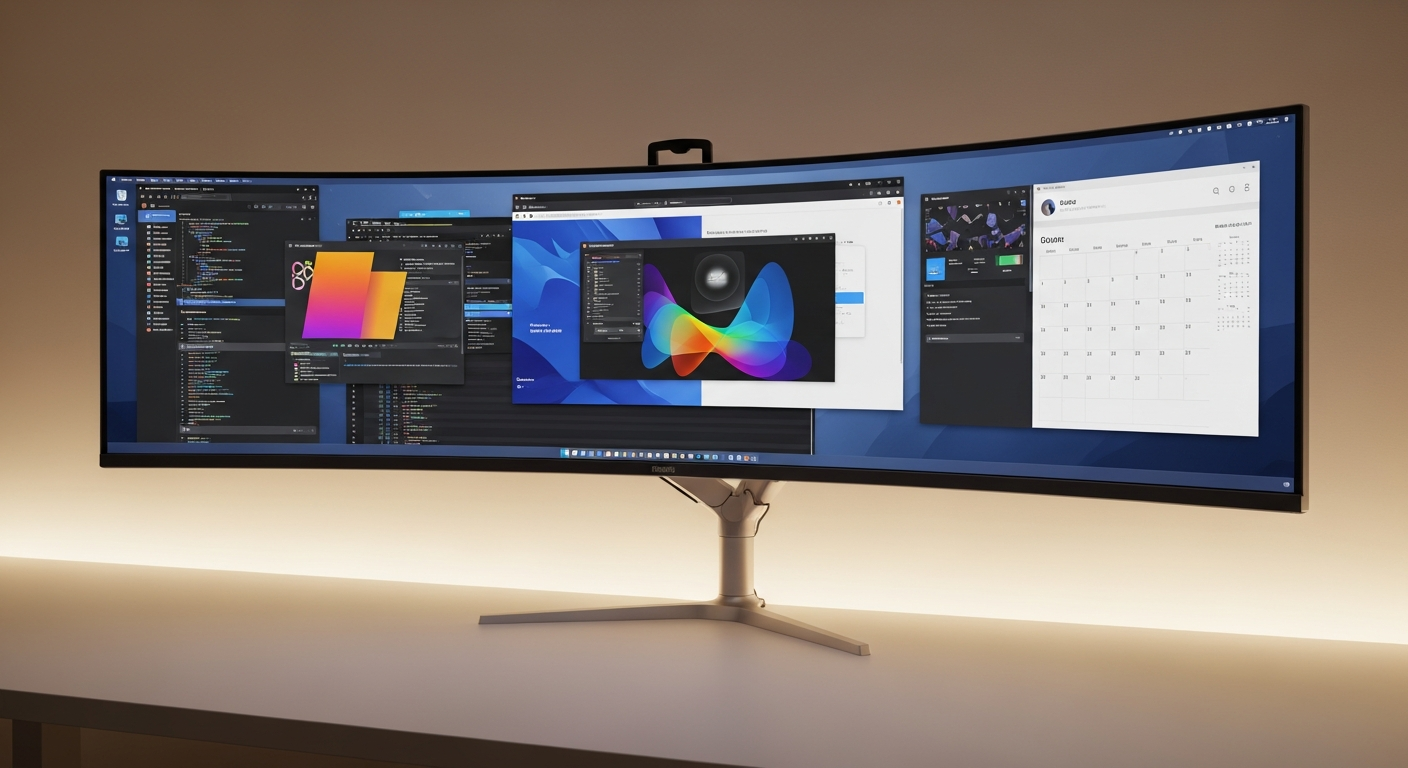
Quick Picks
- Best overall: Dell U2723DE
- Best for gaming: LG 27GP850-B
- Best ultrawide: LG 34WN80C
- Best for creators: BenQ PD2725U
- Best 4K budget: Samsung 28” 4K
- Best OLED: Alienware AW3423DWF
We may earn a commission if you buy through our links.
What to Look For
Panel type determines the fundamental character of the display. IPS panels offer the best color accuracy and wide viewing angles. They suit home office and creative work. VA panels have higher contrast ratios and deeper blacks, making them better for dark content and some gaming scenarios. OLED panels deliver the best contrast and fastest response times but cost significantly more.
Resolution depends on screen size. At 27 inches, 1440p (2560x1440) is the practical sweet spot. Pixel density is high enough for sharp text without requiring display scaling. At 32 inches and above, 4K (3840x2160) is worth the cost. Ultrawide monitors at 34 inches typically run 3440x1440.
Refresh rate matters primarily for gaming. 60Hz is standard for productivity. 144Hz is the minimum for gaming. 240Hz is noticeable in fast competitive games. Higher refresh rates require more GPU power, so match the monitor to your system’s actual output capability.
Color accuracy is measured by color gamut coverage. 99% sRGB is sufficient for most work. P3 coverage (DCI-P3 or Display P3) is needed for professional photo and video work. Factory calibration reports indicate whether a monitor ships ready for color-critical use.
Connectivity has become a major differentiator. USB-C with power delivery allows a single cable to carry display signal and charge a laptop simultaneously. This reduces desk cable count significantly. Check the wattage: 60W powers most ultrabooks, 90W+ handles more demanding laptops.
Best Overall: Dell U2723DE
The Dell U2723DE is the best all-around monitor for home office use. It is a 27-inch IPS panel running at 2560x1440 resolution with 99% sRGB and 98% P3 color coverage. Factory calibration is included.
The standout feature is connectivity. The U2723DE includes USB-C with 90W power delivery, a built-in USB hub with four ports, and a built-in KVM switch for controlling two computers from one keyboard and mouse. One cable connects a laptop to the monitor, charges it, and routes USB peripherals simultaneously.
The stand is excellent. It adjusts in height, tilt, swivel, and rotation. The VESA mount is also available for arm mounting.
At around $500, it is not a budget pick. The connectivity features justify the price for anyone using a laptop as their primary computer.
Best for Gaming: LG 27GP850-B
The LG 27GP850-B is a 27-inch IPS panel running at 2560x1440 with a 165Hz refresh rate. The IPS panel delivers fast response times with minimal IPS glow. Color accuracy is solid at 99% sRGB.
The key advantage over VA gaming monitors is the IPS panel’s fast pixel response. Motion looks clean at 165Hz without the dark-scene smearing that affects VA panels at high refresh rates. NVIDIA G-Sync Compatible and AMD FreeSync Premium support are both present.
It is not a productivity powerhouse. The stand is basic and connectivity is limited to DisplayPort and two HDMI ports. For a dedicated gaming monitor at around $350, those trade-offs are acceptable.
Best Ultrawide: LG 34WN80C
The LG 34WN80C is a 34-inch curved ultrawide IPS panel running at 3440x1440. The 1000R curve keeps both edges of the screen at roughly equal distance from your eyes at this width.
USB-C with 60W power delivery covers most ultrabooks and mid-range laptops. A built-in KVM allows two-computer operation. Color coverage is 99% sRGB.
The limitation is refresh rate: 60Hz only. This makes it unsuitable as a gaming display. For developers, writers, traders, and anyone who benefits from wide horizontal screen space without running two monitors, it is the best option at around $500.
Best for Creators: BenQ PD2725U
The BenQ PD2725U targets professional creative work. It is a 27-inch 4K IPS panel with 99% sRGB and 95% P3 color coverage. BenQ ships it with a factory calibration report.
The Thunderbolt 4 port handles both display signal and 96W charging. A secondary USB-C port and multiple USB-A ports complete the hub functionality. Two PD2725U units can be daisy-chained from a single Thunderbolt connection.
Hotkey Puck accessory is included, allowing quick switching between color modes for different tasks. At around $700, it is the most expensive pick here. Creative professionals who need reliable color will find it worth the cost.
Best 4K Budget: Samsung 28” 4K
Samsung’s 28-inch 4K monitor brings full 3840x2160 resolution at a price point around $300. The UHD panel covers 95% sRGB. It is not color-accurate enough for professional creative work but delivers sharp text and detailed images for everyday use.
Connectivity includes HDMI 2.0 and DisplayPort 1.2. No USB-C. The stand is basic with tilt-only adjustment. For a desk that needs 4K on a budget, this is the practical choice.
Best OLED: Alienware AW3423DWF
The Alienware AW3423DWF is a 34-inch QD-OLED ultrawide running at 3440x1440 with a 165Hz refresh rate. OLED delivers infinite contrast and pixel-level black depth that no LCD panel can match.
Response time is essentially instantaneous. Colors are vivid. The gaming and cinematic experience on this panel is distinct from any IPS or VA alternative.
The limitations are real. OLED is susceptible to burn-in with static content, which is common in productivity layouts. Brightness is lower than high-end IPS panels in SDR use. At around $850, it is a premium purchase. For someone who uses the desk primarily for gaming and entertainment, it is the best single-monitor option available.
Bottom Line
For most home office users, the Dell U2723DE is the right answer. Its USB-C hub functionality reduces cable clutter significantly and the display quality covers everything except high-refresh gaming.
Gamers should look at the LG 27GP850-B. Ultrawide users who do not need gaming refresh rates should choose the LG 34WN80C. Creative professionals need the BenQ PD2725U. Budget 4K buyers should pick the Samsung 28”. OLED buyers who understand the trade-offs should get the Alienware AW3423DWF.
Frequently Asked Questions
- Should I get a 4K or 1440p monitor for a desk setup?
- For a 27-inch monitor, 1440p (2560x1440) is the sweet spot. Text and UI elements are sharp without needing scaling. 4K at 27 inches requires scaling to look right on most operating systems, which adds complexity. At 32 inches and above, 4K is worth the extra cost.
- Is an ultrawide monitor better than dual monitors?
- An ultrawide eliminates the bezel gap between two monitors and gives a seamless workspace. Dual monitors provide more total screen area and allow each screen to run at a different orientation or resolution. For most users, a 34-inch ultrawide replaces dual 27-inch monitors effectively.
- What resolution do I need for photo and video editing?
- 4K resolution and accurate color reproduction (at least 99% sRGB coverage, ideally P3) are the priorities for color work. The LG 27UK850 and BenQ PD2725U cover both. A color calibrator is worth buying for any serious color work regardless of monitor quality.
- What refresh rate do I need for gaming?
- 144Hz is the minimum for a smooth gaming experience. 240Hz is noticeable in fast-paced games for most players. Above 240Hz, the improvement is marginal for most. Match your monitor's refresh rate to what your GPU can actually output at your preferred settings.
- Do I need HDR for a desk monitor?
- HDR on most desktop monitors is a marketing addition rather than a meaningful feature. True HDR requires local dimming zones and brightness over 1000 nits. Most 'HDR' monitors only hit 350-400 nits. Skip HDR as a decision factor unless you're specifically looking at OLED or mini-LED panels.