Home Office Desk Setup Ideas: 15 Real Rooms That Work
15 home office desk setup ideas for different room sizes, budgets, and work styles. Practical inspiration with specific product recommendations.
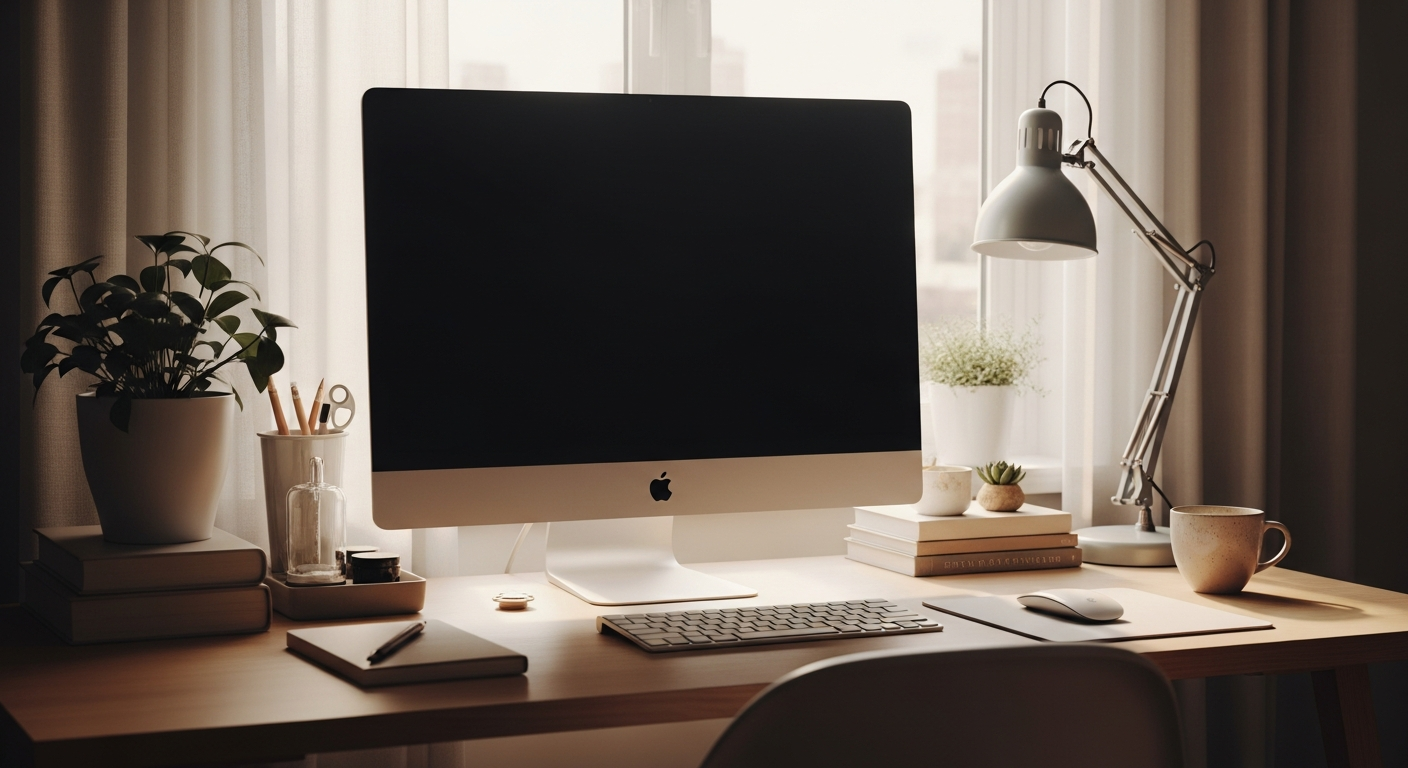
A home office doesn’t need a dedicated room to work well. Some of the most productive setups live in a corner of a living room or in a converted closet. What matters is a consistent spot, good lighting, and a chair that supports you for hours. Here are eight real scenarios with specific setup advice for each.
We may earn a commission if you buy through our links.
Spare Bedroom Office
The spare bedroom is the ideal home office space. You have a door that closes, room for a proper desk, and walls you can use. Start with a 60-inch desk like the Uplift V2 Standing Desk or the FlexiSpot E7. You have room for a full ergonomic chair: a Branch Ergonomic Chair or Herman Miller Aeron is worth it here. Add a 27-inch monitor on a monitor arm and a Elgato Key Light for video calls. Use the closet for cable management and storage. The bedroom-to-office conversion works best when you eliminate any traces of the bedroom from view during work hours.
Living Room Corner
Working in a shared living space requires visual separation. A bookshelf or room divider behind the desk creates a visual boundary. Choose a desk that looks like furniture: the Sauder Clifford Place or a solid wood writing desk blends better than a gaming-style desk. Keep the monitor small: a 24-inch display is less intrusive than a 32-inch panel. Cable management is critical here since cables are visible from the rest of the room. A cable raceway in the wall color hides everything. A comfortable but compact chair like the Humanscale Freedom tucks away cleanly.
Closet Office
Converting a reach-in closet into a workspace is one of the best small-space solutions. Remove the doors or replace them with curtains you can close after work hours. A wall-mounted fold-down desk or a simple shelf desk at 30 inches high fits most closets. The IKEA ALEX drawer unit fits under the desk if the closet is deep enough. Use vertical space: a pegboard on the back wall holds accessories. A single 24-inch monitor on a monitor arm saves the limited surface area. Lighting matters here more than anywhere: a BenQ ScreenBar provides desk lighting without requiring additional space.
Studio Apartment Desk Nook
In a studio apartment, the desk is a lifestyle object as much as a tool. It needs to look good and take up minimal space. A wall-mounted desk like the Prepac Wall-Mounted Floating Desk disappears when not in use. For a permanent setup, the IKEA MICKE desk at 41 inches wide takes little floor space. A laptop stand with an external keyboard keeps the footprint small. Use a slim monitor with thin bezels to reduce visual weight. A monitor arm frees the surface completely. Choose a chair with clean lines that works as room furniture: the HAG Capisco or Branch Chair both look at home in a studio.
Basement Office
Basements offer the best quiet but come with lighting and moisture challenges. Address lighting first: add overhead LED panels to compensate for low or absent natural light. A monitor light bar like the BenQ ScreenBar Plus adds adjustable task lighting. A dehumidifier in the corner protects equipment and makes the space comfortable. Because basements tend to be cooler, a space heater under the desk keeps feet warm without heating the whole floor. The space often allows for a larger desk: a 72-inch L-shaped desk or full standing desk with a wide top is easier to fit here than in a bedroom. Run an Ethernet cable from the router above for reliable connectivity.
Garage Office
Garage offices require insulation work before anything else. Once climate-controlled, a garage gives you the largest footprint of any home space. A full L-shaped standing desk setup fits here with room to spare. You can run cable properly through conduit along the walls. A full tower PC or even a NAS storage unit works in a garage without noise concerns. Use the remaining wall space for a pegboard tool wall or shelving. A portable air conditioner or mini-split handles temperature year-round. Good overhead lighting is cheap in a garage: install LED shop lights on a track for even illumination across the desk area.
Shared Space with Kids
Working alongside children requires a setup that’s durable, organized, and easy to pack away. Avoid expensive accessories at desk edge: a cable spine under the desk protects wires from curious hands. A monitor arm keeps the screen at a safe distance and angle. Use a drawer with a lock for peripherals you don’t want touched. A noise-canceling headset like the Sony WH-1000XM5 makes it possible to focus during noise. For the desk itself, the IKEA LAGKAPTEN is easy to clean and inexpensive to replace. Choose a standing mat that doubles as a play surface when you step away. Keep one drawer dedicated to children’s supplies so they have their own space at the desk.
Dedicated Home Office Room
A fully dedicated room allows for the best possible setup at any budget. Treat it like a professional office: run all cables in the walls or through conduit. Install proper overhead lighting on a dimmer. Choose a standing desk with a large surface: 72x30 inches is the sweet spot. Add a monitor arm for each display. Use a pegboard or slatwall for accessories. A quality ergonomic chair is non-negotiable here: you’ll spend 8 hours a day in it. Add a small sofa or reading chair in the corner for break time. A bookshelf with books and a few personal objects makes the space feel intentional rather than functional. Dedicate one wall to a whiteboard or large corkboard for planning.
Bottom Line
Your setup needs to fit the space and the way you actually work, not the setup you saw online. A closet office with good lighting and a proper chair beats a large, poorly lit room with a flat-pack desk. Prioritize the chair, the monitor, and the lighting. Build around those three things first.
Frequently Asked Questions
- How do I set up a home office in a small space?
- Wall-mounted desks, corner desks, and fold-down desk units work well in small spaces. Keep the desktop clear by using a monitor arm instead of a stand. Choose a chair that tucks fully under the desk when not in use. A vertical monitor orientation saves width in very tight spaces.
- What lighting is best for a home office?
- Natural light from the side is ideal. For artificial lighting, a monitor light bar illuminates your desk without screen glare. Overhead lighting should be diffused, not directly above the screen. Bias lighting behind the monitor reduces eye strain in darker environments.
- How do I reduce noise in a home office?
- A USB microphone with cardioid pickup pattern (like the Elgato Wave 3) rejects room noise well. Acoustic panels on the wall behind you help on video calls. A carpet or rug reduces echo. These are more practical than soundproofing a whole room.
- What is the best desk for a home office?
- For full-time remote work, a standing desk is worth the investment. The FlexiSpot E7 or Uplift V2 lets you alternate sitting and standing throughout the day. For a fixed desk, a 60x30 inch surface gives enough room for dual monitors with space for accessories.