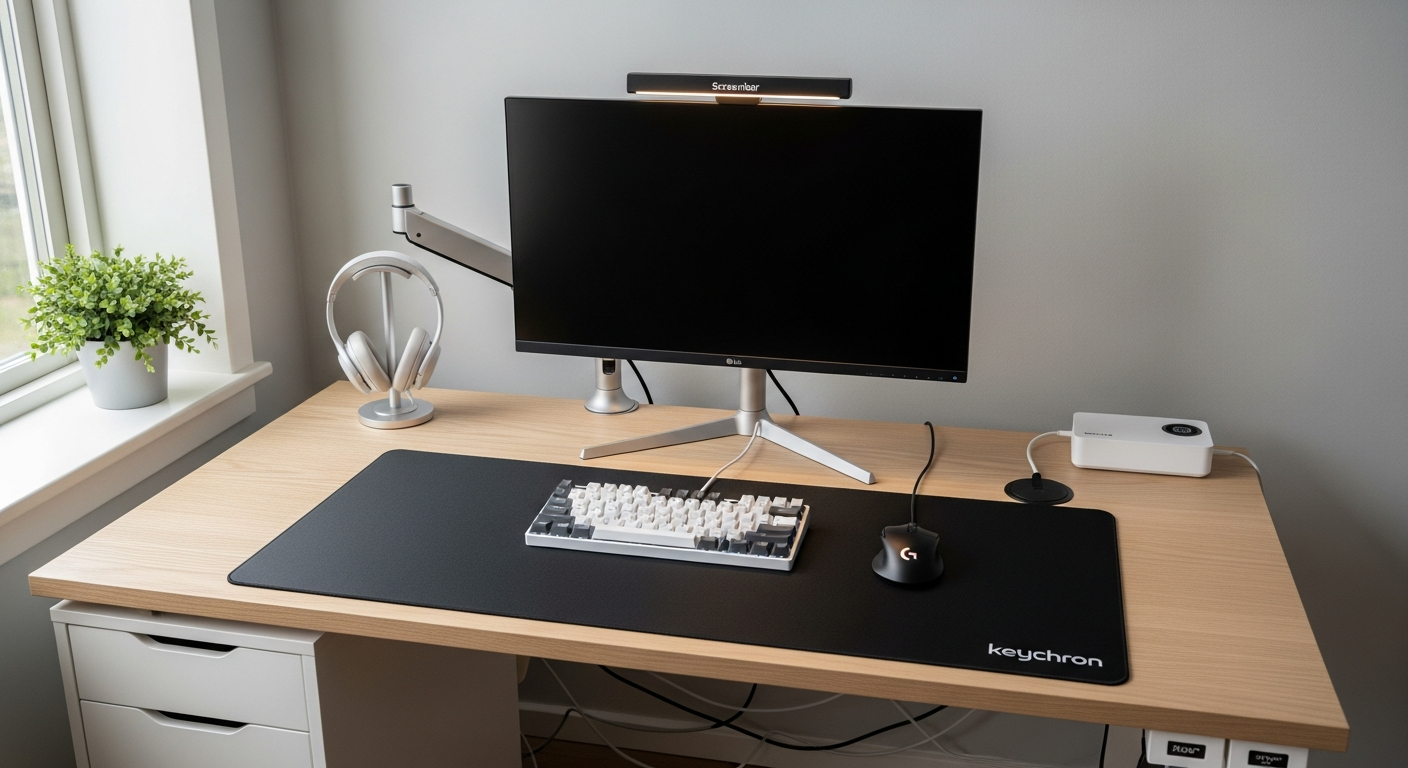
IKEA Alex Drawer Desk Setup: The DIY Karlby Build
The classic IKEA Alex drawer unit paired with a Karlby countertop desk build. How to assemble it, what fits, and the total cost in 2026. Total cost: $520.
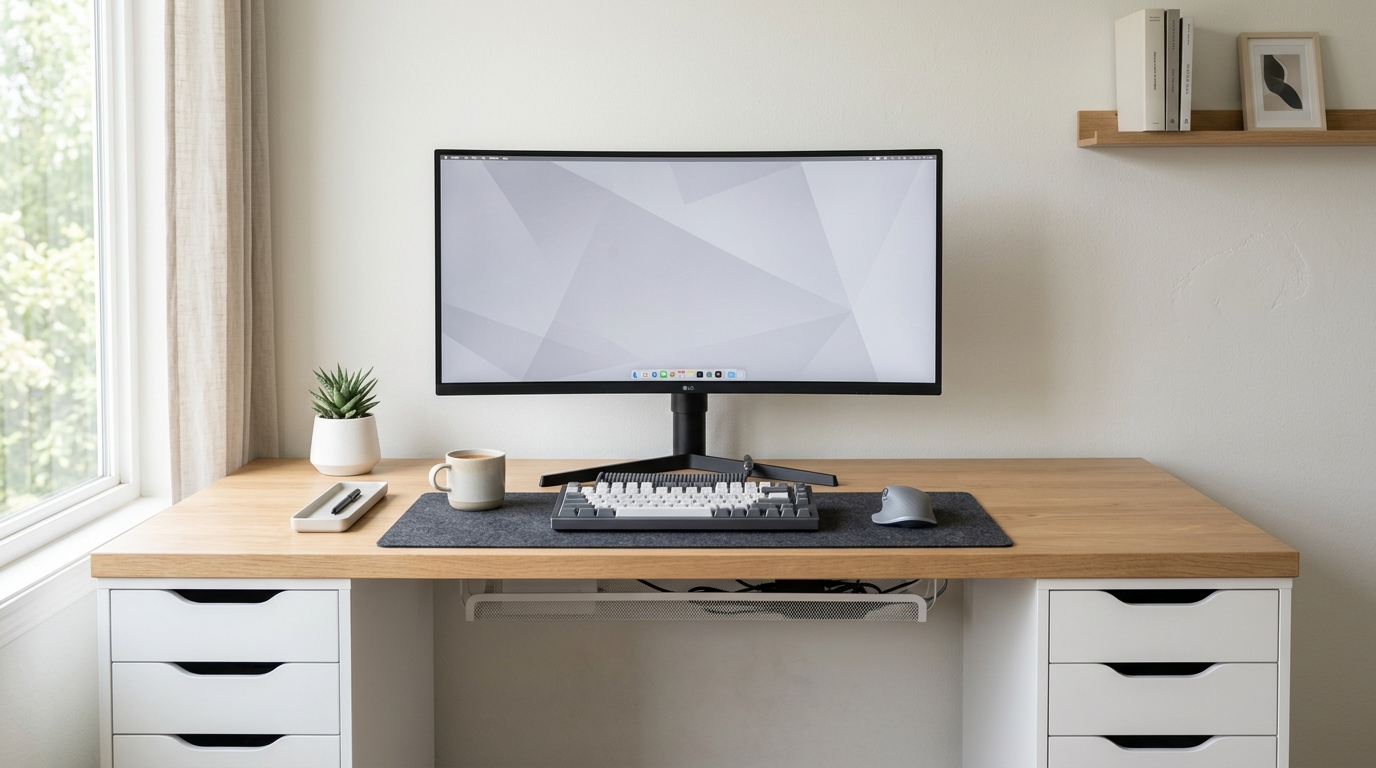
The Alex and Karlby combination is the most popular DIY desk build on the internet. It produces a wide, solid work surface with built-in storage for under $300 in materials. Here is how to build it right.
We may earn a commission if you buy through our links.
What You Are Building
The build uses two IKEA Alex Drawer Units ($139 each) as the desk legs, with an IKEA Karlby Countertop 74-inch ($139) laid across the top. The Alex units serve as both structural support and storage. Each unit has five drawers: one shallow top drawer and four deeper drawers below. Both units placed at each end of the Karlby create a desk that is 74 inches wide, 24 inches deep, and approximately 29.5 inches tall.
The Karlby countertop is solid wood with a birch veneer finish. It is heavy: about 66 pounds. You need two people to lift and position it. The Alex units come flat-packed and assemble in 30 to 45 minutes each.
Assembly Steps
Build both Alex units completely before touching the Karlby. Set them in position on the floor where the desk will live. Measure the gap between them and confirm it matches the Karlby length. The standard 74-inch Karlby fits two Alex units placed at the desk’s outer edges with roughly 50 inches of open leg space in the middle.
Lay the Karlby face-down on a soft surface. Position the assembled Alex units on the underside of the countertop. Center each unit so it sits flush with the front and rear edges. The Alex units do not bolt directly to the Karlby. They rest under it by weight and friction. Some builders use furniture mounting brackets for extra security. Two L-brackets per unit, screwed into the Alex top panel and the underside of the Karlby, adds stability. Drill pilot holes first to avoid splitting the particle board in the Alex top panels.
Flip the desk upright carefully with a second person. Check that it is level before loading it with equipment.
What the Alex Drawers Add
Storage is the main benefit. The shallow top drawer holds small items: cables, USB drives, pens. The four deeper drawers hold notebooks, hard drives, and peripheral accessories. A full Alex unit holds about 35 pounds of contents.
The drawer units also eliminate the need for a separate keyboard tray or under-desk shelf. Everything you need is within arm’s reach at desk level.
Cable Management
Cables are the hardest part of this build. The Karlby has no built-in cable holes. You have two options.
Option 1: Drill a cable grommet hole. A 60mm hole drill bit cuts a clean circle. Position the hole 6 inches from the rear edge and centered over one Alex unit. Feed cables through and route them into the drawer below. A $5 plastic grommet cover makes it look finished.
Option 2: Use an Under Desk Cable Tray ($25). Mount it to the underside of the Karlby near the rear. All power strips, adapters, and cable runs go into the tray. Cables drop straight down behind the desk. From the front, the desk looks completely clean.
Cable trays are easier than drilling and completely reversible. Use the tray if you want to avoid modifying the countertop.
The Monitor
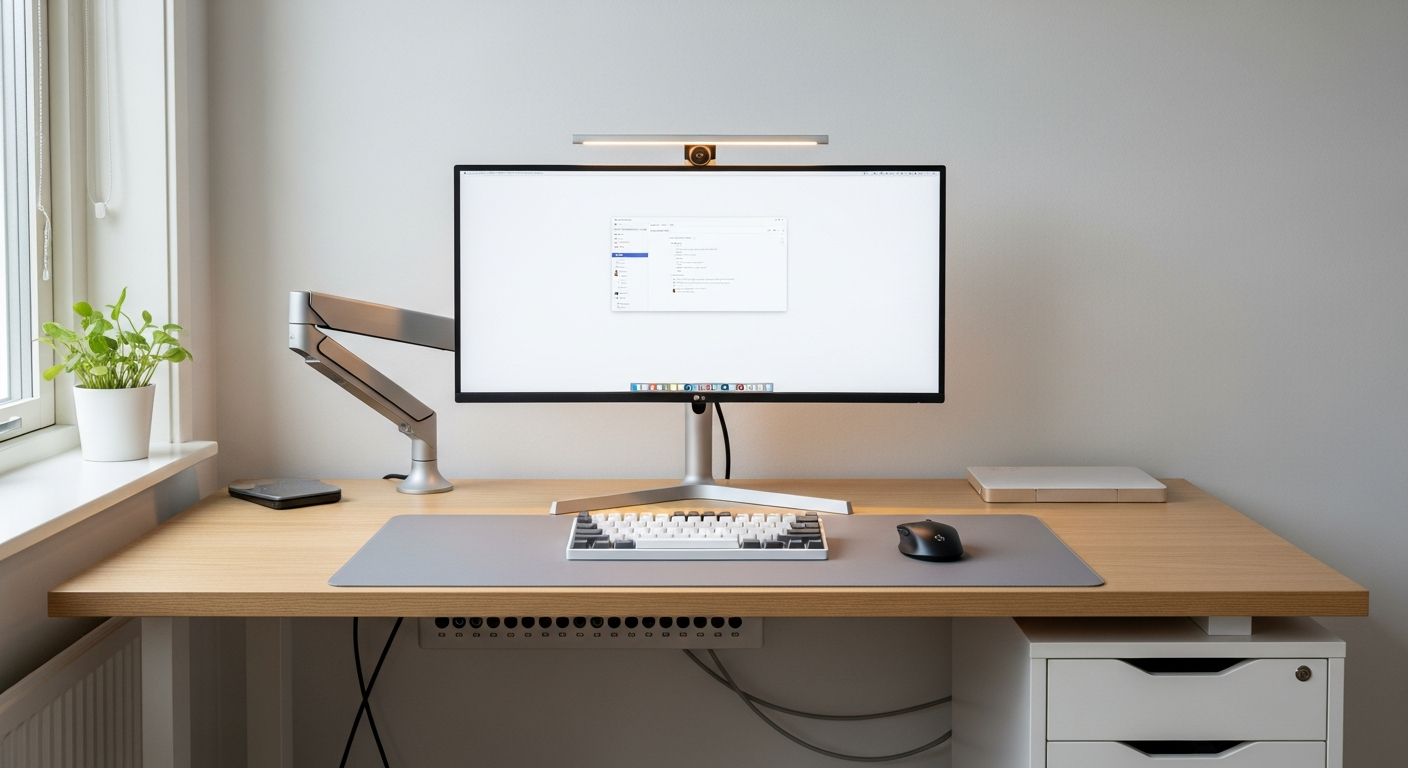
The LG 34WP65C-B 34-inch UltraWide Monitor ($329) suits this desk well. A 34-inch, 3440x1440 curved panel fills the wide surface without requiring a monitor arm. The included stand has height and tilt adjustment. On a 74-inch desk, a 34-inch ultrawide leaves plenty of side space for notes, a microphone, or a second small display.
The Keyboard
The Keychron Q1 Ultra Wireless Keyboard ($229) pairs well with the oak-finish countertop. The aluminum body and compact 75% layout keep the desk surface organized. The wireless connection handles Bluetooth for up to three devices.
What the Build Costs in 2026
Two Alex units: $278. One Karlby 74-inch: $139. Under-desk cable tray: $25. That is $442 for the desk structure before any peripherals. Add the monitor and keyboard and the total reaches $1,000. The monitor alone is listed as a product in this setup at $329.
The core desk structure at $442 competes with manufactured desks costing twice as much. The Karlby surface is more durable and better-looking than most desks at that price.