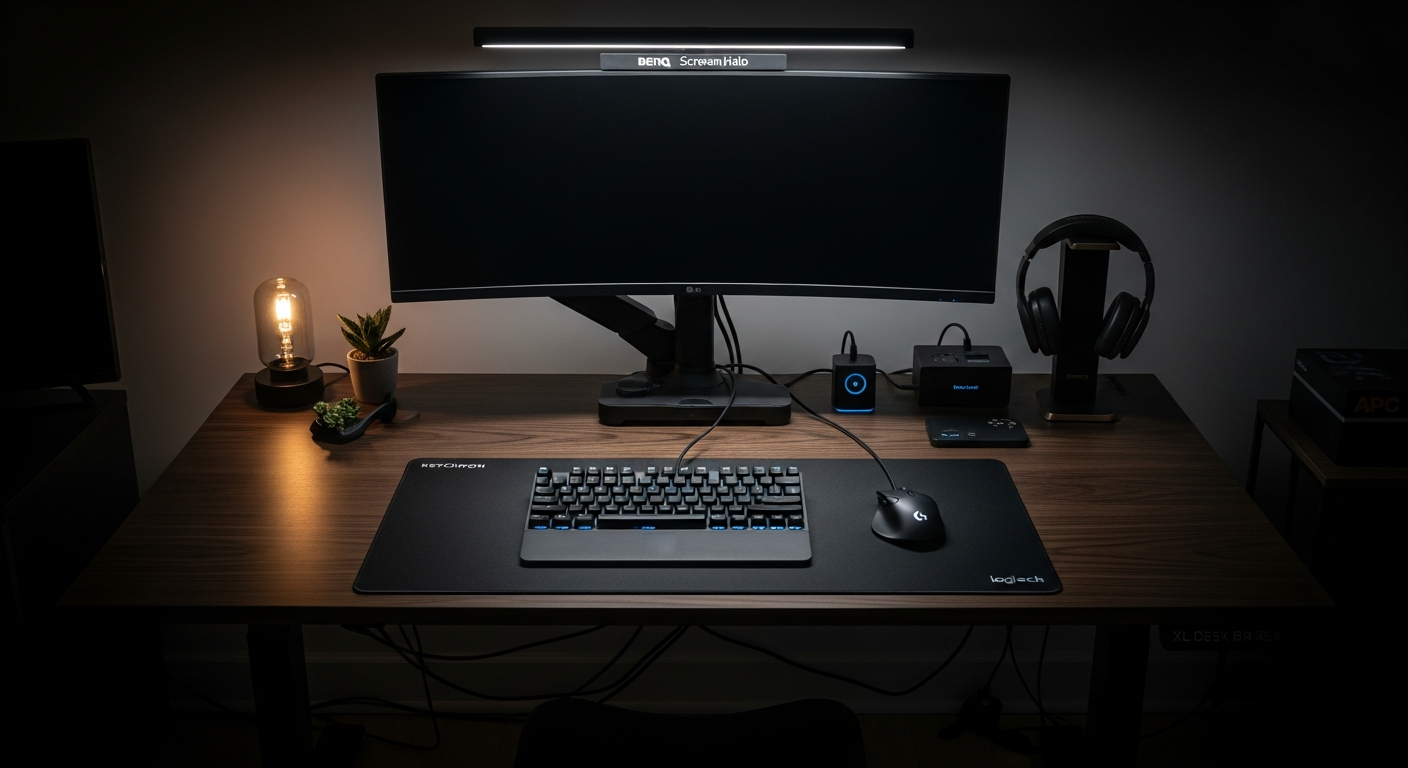
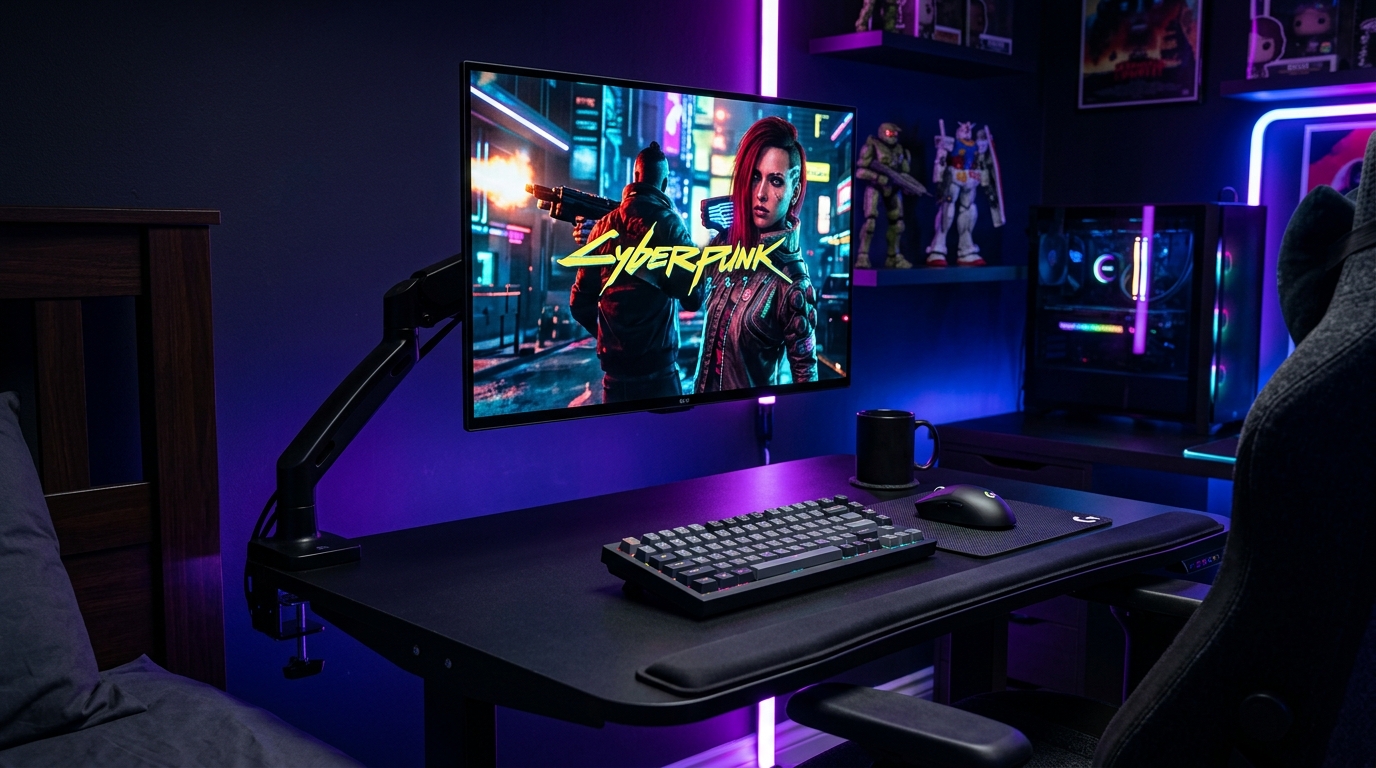
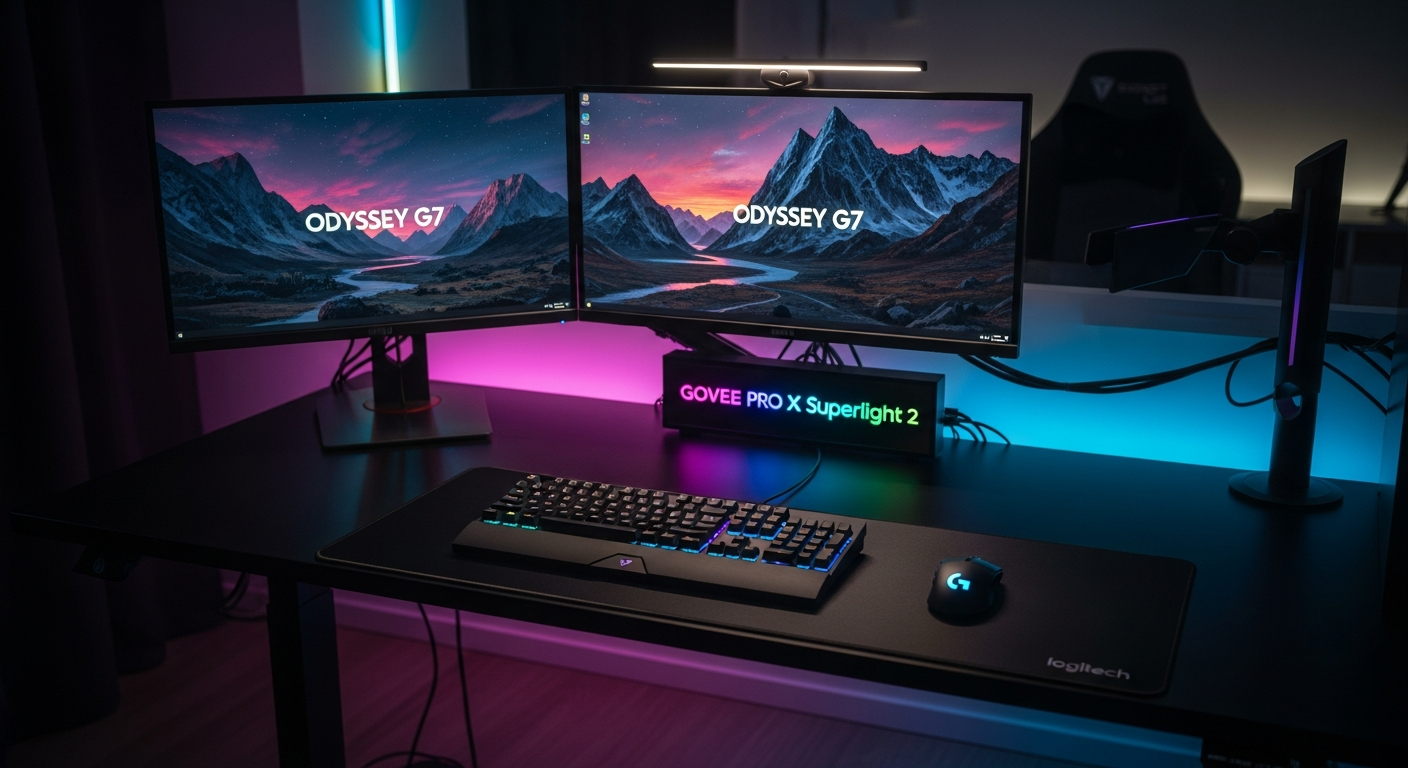
Dark Desk Setup: All-Black Build with Ambient Backlight
An all-black desk setup with bias lighting, RGB accents, and matte black peripherals. Built for late-night work and gaming sessions. Total cost: $1,580.
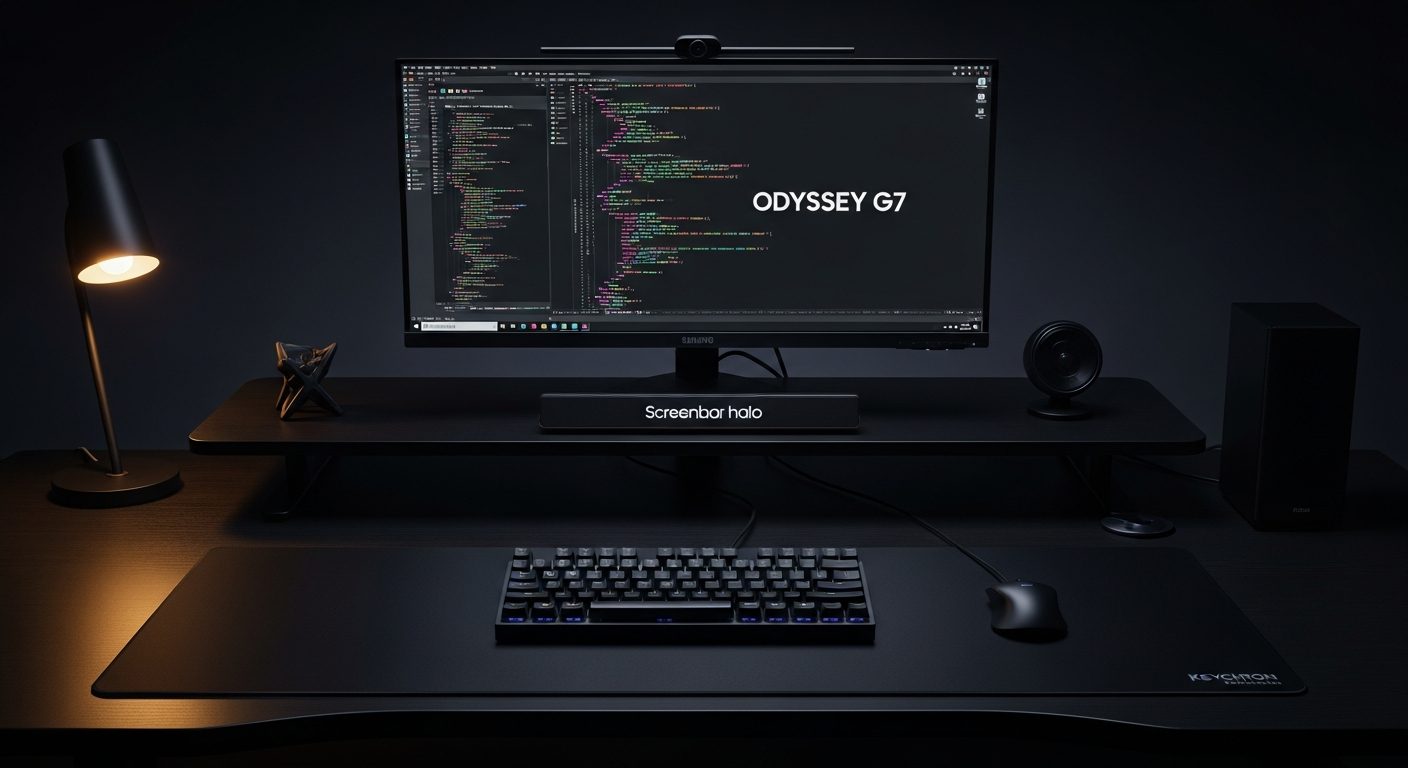
This setup is built around one rule: if it isn’t black, it doesn’t belong here. I work and game late at night. Bright white setups create eye strain in dark rooms. A fully dark build with proper bias lighting solves that problem. Total cost is $1,580.
We may earn a commission if you buy through our links.
The Desk: FlexiSpot E7 Standing Desk in Black at $549
I chose the FlexiSpot E7 Standing Desk in matte black. The dual-motor frame is among the most stable at this price. It doesn’t wobble at standing height, which matters with a large monitor on it. The black powder-coated steel legs disappear against a dark room. The UPLIFT and Flexispot frames look nearly identical in dark builds. I went with Flexispot for the lower price. The height range of 22.8 to 48.4 inches covers both sitting and standing without issue.
The surface is a black laminate top. Matte finish. No glare. It photographs as dark as it looks in person.
The Monitor: Samsung Odyssey G7 27-inch at $449
The Samsung Odyssey G7 27-inch is the right display for a dark setup. The QLED panel produces deep blacks and high contrast. HDR600 support means bright highlights pop against dark backgrounds. For late-night gaming, this panel reduces the “washed out gray” look of cheaper IPS monitors in dark mode. The 1000R curve wraps the peripheral view slightly. That reduces the bright edges you see when a flat monitor is in a dark room. The 240Hz refresh rate covers both competitive gaming and smooth scrolling through code.
The Peripherals: Keychron Q1 Pro Black ($199) and G Pro X Superlight 2 Black ($159)
The Keychron Q1 Pro (Black) is the keyboard I spent the most time choosing. I needed a black aluminum board that didn’t look like a gaming peripheral. The Q1 Pro delivers. The black anodized aluminum case has no RGB bleed around the edges. I chose Gateron G Pro Red switches and added black PBT keycaps separately. The result is a keyboard that vanishes into the dark desk mat.
The Logitech G Pro X Superlight 2 (Black) is under 60 grams and entirely matte. No glossy surfaces. No color accents. It sits on the Black XL Desk Mat without standing out.
The Lighting: BenQ ScreenBar Halo at $179
The BenQ ScreenBar Halo is the most important component in a dark setup. Standard monitors in dark rooms create a harsh contrast between screen and background. Bias lighting solves this. The ScreenBar Halo projects light both forward onto the desk and backward onto the wall. The rear glow softens the contrast between the bright screen and the dark wall. Eye strain drops significantly after the first hour. At $179, it’s the component I’d keep if I rebuilt this on a budget.
The color temperature range goes from 2700K to 6500K. I keep it at 3200K at night. Cooler during the day.
Matte vs. Glossy Black
Every surface in this build is matte. Glossy black looks great in photos and terrible in person. Fingerprints appear immediately. Glare from any ambient light source ruins the aesthetic. The desk, keyboard, mouse, and mat are all matte. The monitor bezel is matte black. The only reflective surface is the screen itself.
What I’d Change
The FlexiSpot E7 has a minor issue: the cable management channels on the frame are awkwardly placed. Routing cables cleanly requires extra clips. I’d add an under-desk cable tray. The Keychron Q1 Pro ships with gray legends on the stock keycaps. I replaced them immediately with a fully black keycap set. Budget about $40 extra for that. The setup looks unfinished without it.