Ergonomic Home Office Setup Built Around the Herman Miller Aeron
A premium ergonomic home office setup centered on the Herman Miller Aeron chair, FlexiSpot E7 standing desk, and monitor arm. Built for all-day comfort. Total cost: $2,870.
Every product choice in this setup started with a question: does this reduce physical strain over an eight-hour day? Not does it look good. Not is it a popular pick. Does it actually help the body work for a full day without discomfort. The answer shaped every decision, including the ones that cost the most.
Herman Miller Aeron: The Size Decision
The Herman Miller Aeron comes in three sizes. Size A fits people under 5’4”. Size B fits most people between 5’4” and 6’2”. Size C fits larger frames. Getting the size wrong undermines most of what makes the Aeron worth buying.
I chose Size B. The seat width, pan depth, and PostureFit SL lumbar adjustment all calibrate to a mid-size frame. The PostureFit SL is the specific feature that differentiates the Aeron from most ergonomic chairs. It supports both the sacrum and the lumbar simultaneously, maintaining the natural S-curve of the spine rather than just pushing the mid-back forward.
The 8Z Pellicle mesh is the other reason this chair justifies its cost. It distributes weight evenly across the seat pan and back. After months of use, I haven’t experienced the pressure points that develop on foam seats during long sessions. The mesh breathes well. In summer, it doesn’t retain heat the way foam and fabric seats do.
Arm adjustment on the Aeron is exceptionally precise. The arms move in four directions: height, width, depth, and pivot angle. I set them at the exact height for forearm support with my shoulders relaxed. This eliminated the shoulder tension I had with my previous chair’s fixed armrests.
FlexiSpot E7: The Standing Desk Engine
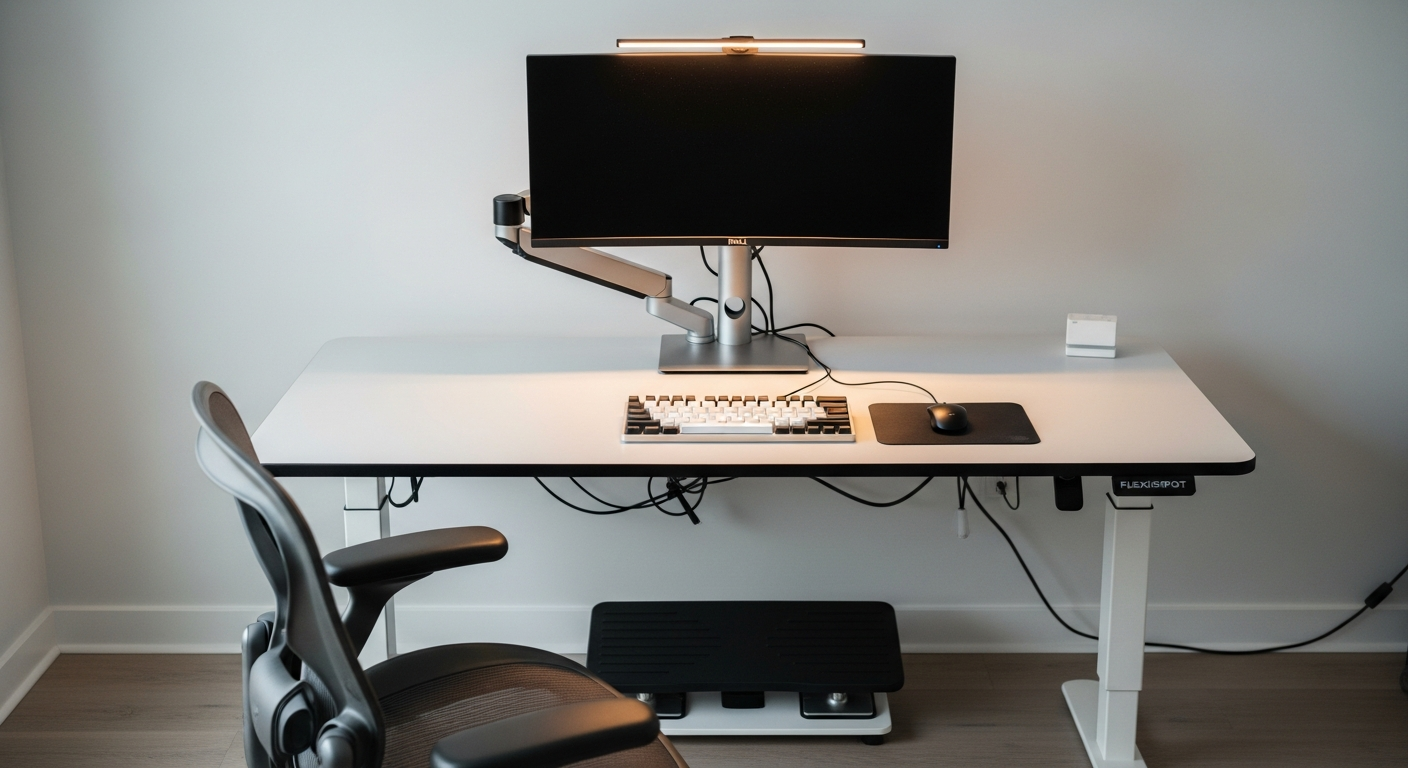
The FlexiSpot E7 has a dual-motor frame that handles up to 355 lbs. It moves quietly and reaches the full range from 22.8 to 48.4 inches in height. The range matters: at its lowest, it works for short users seated. At its highest, it works for tall users standing.
I have four memory presets saved: seated position, standing position, and two intermediate positions for the transition period when I’m moving between the two. Switching takes three seconds. There’s no friction to standing because the button is right there and the movement is fast.
The E7 controller displays exact desk height in inches. This made it easy to calibrate the standing position precisely: I measured the height where my forearms are parallel to the floor while standing, saved it, and it’s exact every time.
The desk frame is noticeably more rigid than entry-level standing desks. At standing height, there’s minimal wobble during typing. The cross-beam design handles the mass of the monitor, arm, and keyboard without flex.
Dell U2723DE and Ergotron LX: Monitor at the Right Height
The Dell U2723DE is a 27-inch IPS Black panel with a built-in USB-C hub and KVM switch. The IPS Black technology gives it a higher native contrast ratio than standard IPS. Text is clean, color is accurate, and the matte coating doesn’t create the grain some matte panels exhibit.
But the monitor’s position matters as much as the panel technology. I removed the stock stand entirely. The Ergotron LX monitor arm positions the screen at the exact height I need, which changes when the desk height changes.
When I switch to standing height, I raise the monitor arm by about 4 inches to maintain the correct eye-level position. The Ergotron LX moves with one hand once the tension knob is correctly set. The adjustment takes five seconds. Without the arm, I’d either need a second fixed stand at standing height or accept that the monitor is at the wrong position half the day.
The Dell’s USB-C hub connects keyboard, mouse dongle, and a webcam through a single cable to the laptop. The desk stays clean because there are no peripheral cables running directly to the computer.
Keychron Q1 Pro: Weight and Feel
The Keychron Q1 Pro is a 75% aluminum keyboard with gasket-mounted switches and wireless connectivity. The aluminum case adds significant weight compared to plastic boards. It doesn’t move during typing. The gasket mount softens the keystroke sound.
The wireless connection eliminates the one keyboard cable from the desk. Battery life is around three weeks on moderate use. The PBT keycaps haven’t worn or shined after months of daily use.
For ergonomics, the keyboard height matters. The Q1 Pro has a low profile. I use it without the included feet to keep the front edge as low as possible, which keeps my wrists in a neutral position.
What I’d Change
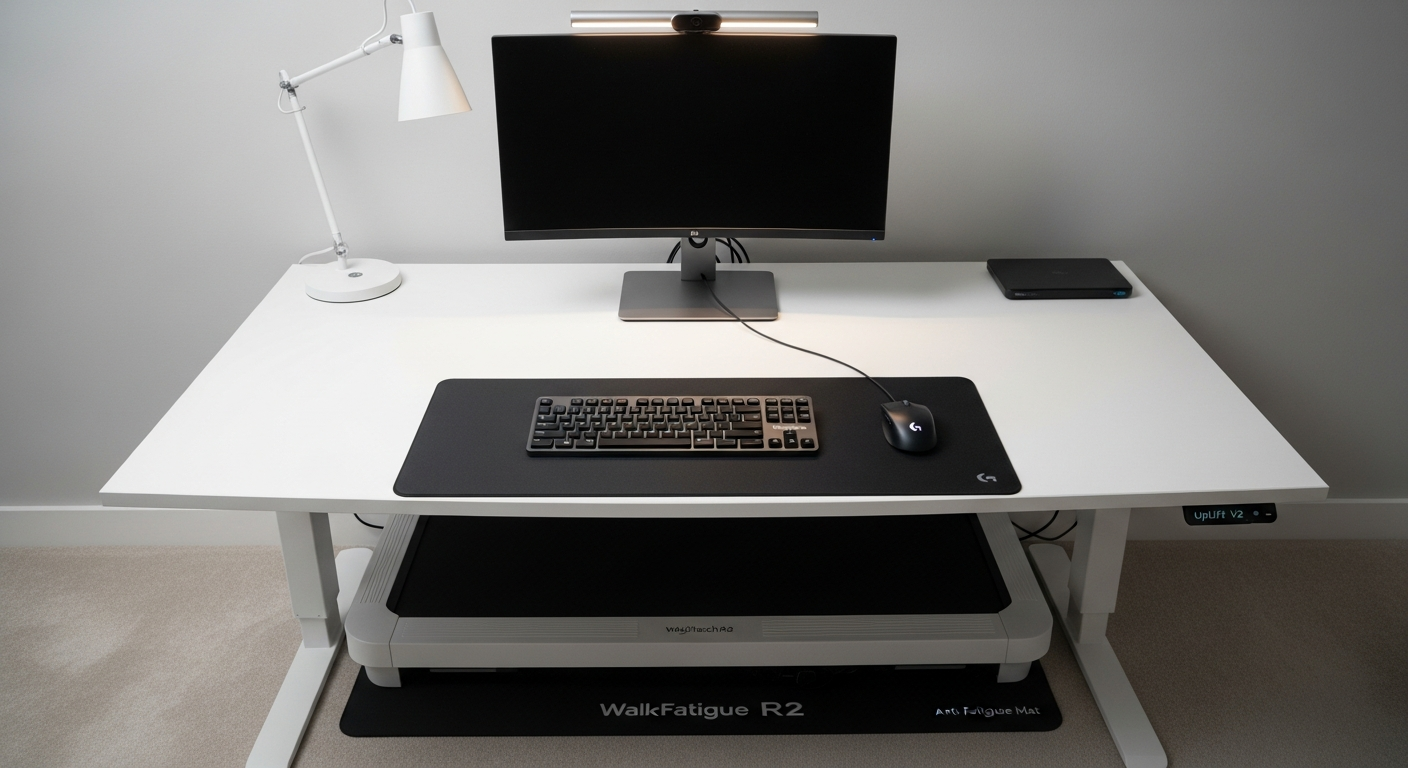
The footrest is functional but the first thing I’d replace. The current one is adequate for standing transition periods, but a proper anti-fatigue mat designed for extended standing would be more comfortable during longer standing intervals.
I’d also add a monitor light bar. The desk lighting currently comes from an overhead fixture. A BenQ ScreenBar would give more direct, glare-free illumination at the desk level without requiring a separate lamp. It’s a small gap in an otherwise intentional setup.
If I were rebuilding from scratch, I’d evaluate the Steelcase Leap as an alternative to the Aeron for the chair. The Aeron is excellent, but the Leap’s seat flexibility handles the range of sitting positions I cycle through during a long day. The Aeron rewards proper posture. The Leap is slightly more forgiving when posture naturally shifts.
Gear in This Setup
Herman Miller Aeron Chair (Size B)
$1,445
FlexiSpot E7 Standing Desk
$549
Dell U2723DE 27-inch Monitor
$479
Ergotron LX Monitor Arm
$179
Keychron Q1 Pro Keyboard
$199
Footrest for Standing Desk
$19