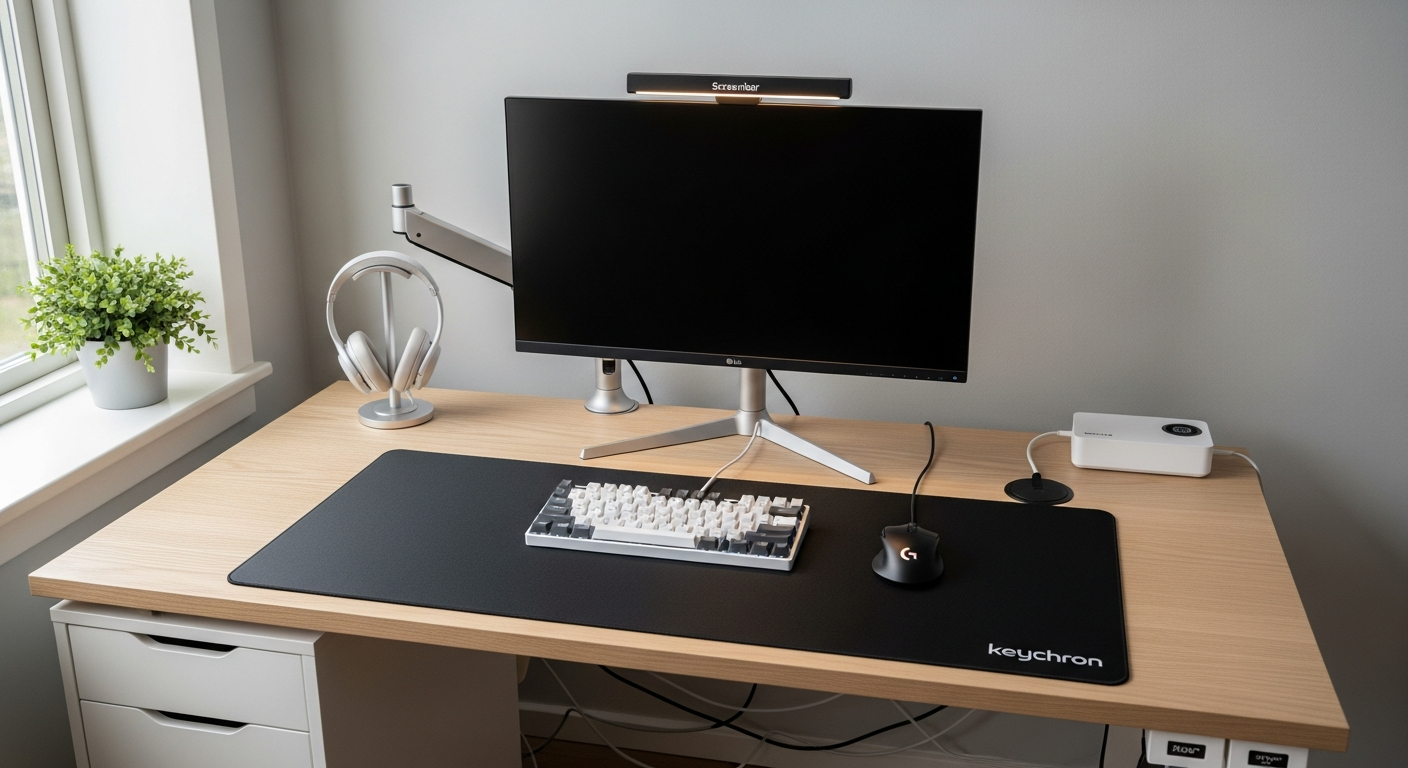
IKEA Micke Desk Setup: Budget Build Under $400
A complete desk setup using the IKEA Micke as the base. Monitor, keyboard, and accessories that make the most of a budget build. Total cost: $387.
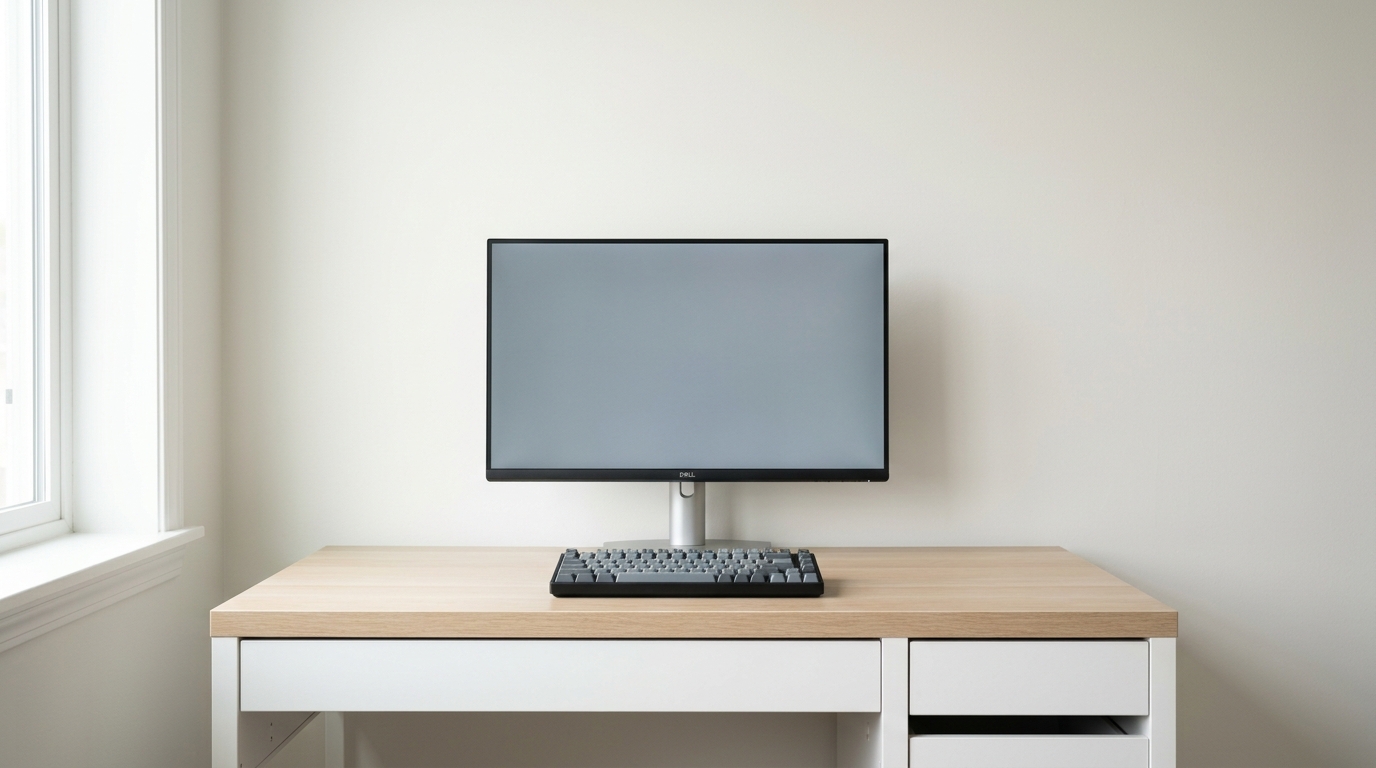
The IKEA Micke Desk White ($79) is the most popular starter desk in the world. This guide shows what fits, what to avoid, and how to build a complete workstation for under $400.
We may earn a commission if you buy through our links.
What the Micke Is
The Micke has a 48x19 inch work surface. That is compact. It fits in a small bedroom or studio apartment. The right side has a built-in drawer and a small open shelf for notebooks or a phone. The left side has an integrated cable management hole near the rear. The desk weighs about 43 pounds assembled. It ships flat-packed.
The particle board top is not as rigid as solid wood. It handles a monitor, a keyboard, and a laptop without any flex. It will not support a monitor arm clamp without a desk pad or protection. The top surface can mark if you drag heavy objects.
The Monitor
The Dell UltraSharp U2723QE 27-inch 4K Monitor ($199) fits the Micke surface well. A 27-inch display does not overhang the desk edges. The 4K IPS panel is sharp and accurate out of the box. The built-in USB-C hub reduces the number of cables running to the laptop. The stand included with the Dell is solid and doesn’t wobble. No monitor arm needed.
The Dell’s built-in stand raises the screen to a reasonable height. For most people, adding a small riser under the monitor brings it to eye level. A $10 ream of paper works. A $20 wood block looks better.
The Keyboard
The Keychron V6 Max Wireless Keyboard ($109) is a full-size layout. On a 48-inch surface, a full-size keyboard leaves about 16 inches for a mouse. That is enough for casual use but tight for gaming. If you use a vertical mouse or a compact trackpad, the full-size board works fine. A 75% layout gives more mouse room.
The V6 Max connects via Bluetooth or USB-C. The wireless connection drops nothing. Battery lasts weeks between charges on Bluetooth.
Making the Most of the Space
The 19-inch depth is the real constraint. A few habits help. Put the monitor at the very back edge of the desk. This creates about 12 inches of depth in front of it. That is enough for a keyboard and wrist rest.
Use the built-in drawer for the mouse when not in use. The side shelf holds a phone or small notebook. Keep the desk surface clear. Clutter on a 19-inch desk feels immediate.
Use the cable hole on the left rear panel. Run the monitor cable, USB-C, and power strip cord through it. Zip-tie the cables together behind the desk. The desk sits close to the wall, so the bundle stays hidden.
What This Build Does Not Include
At $387 total, there is no budget for a desk lamp, headphone hook, or USB hub. A single USB-C monitor like the Dell covers most hub needs. A budget desk lamp from IKEA adds $15 and a lot of comfort for evening work.
Honest Limitations
The Micke is not a long-term desk. The particle board surface shows wear. The small depth limits what you can put on it. It is the right desk for a first apartment or a small room with no other options. It ships and assembles in under two hours. At $79, it is hard to argue against it as a starting point.
The total for this build is $387. The keyboard alone is 28% of the cost. A budget membrane keyboard at $25 drops the total to $303. The Keychron is worth the price difference if you type more than a few hours a day.