Programmer Dark Mode Setup with Ultrawide and Mechanical Keyboard
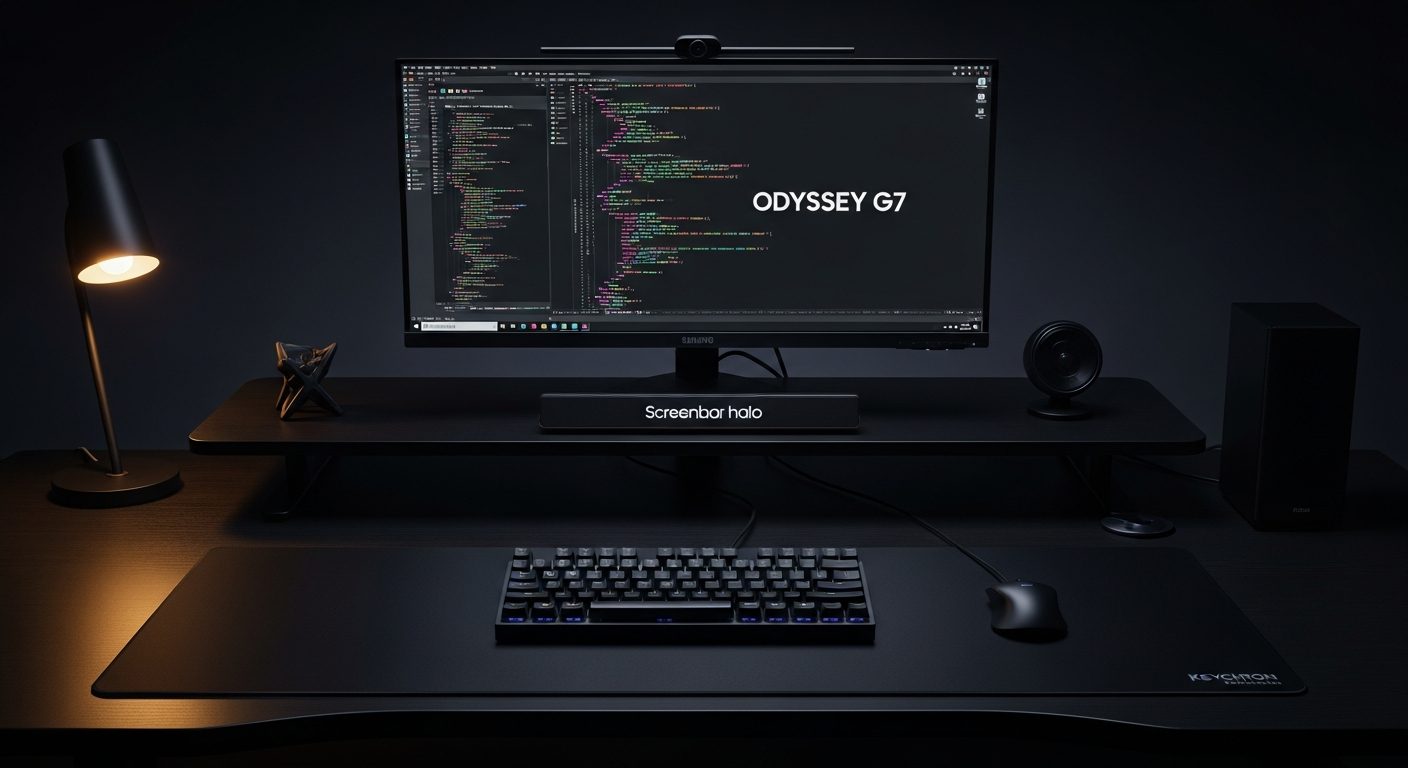
A dark mode programmer setup with a 34-inch ultrawide, Keychron Q1 Pro, and bias lighting designed for long late-night coding sessions. Total cost: $1,320.
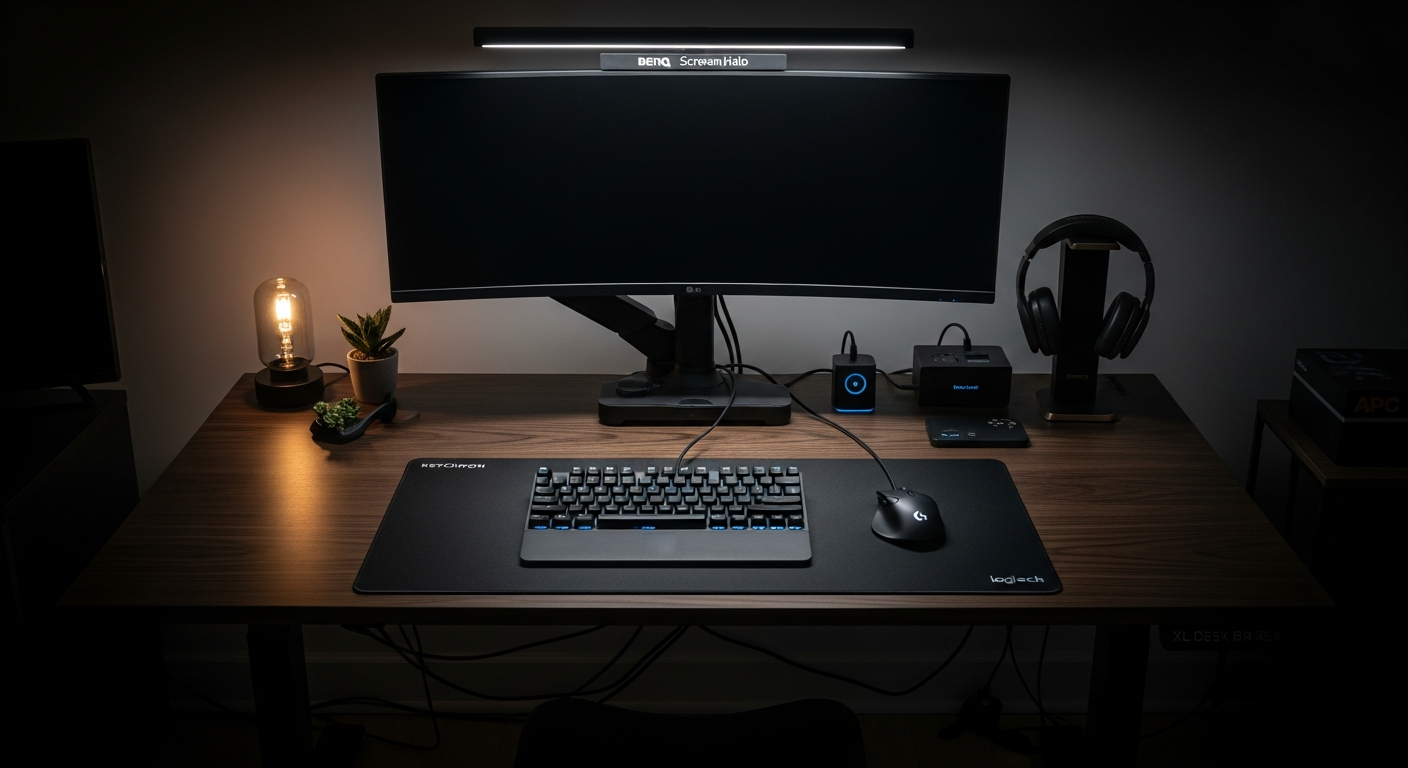
This setup is built for late-night coding. The ultrawide display, dark peripherals, and bias lighting are all optimized for the hours after 10pm when most of my focused work happens. Total cost is $1,320.
We may earn a commission if you buy through our links.
The Display: LG 34WN80C-B Ultrawide at $499
I chose the LG 34WN80C-B Ultrawide Monitor because ultrawide is the best layout for coding. The 34-inch, 21:9 panel gives me enough horizontal space to run three vertical panes simultaneously: editor, terminal, and browser. That’s the standard layout for web development. A dual-monitor setup requires turning my head. The ultrawide keeps everything in a single focal plane. Context switching without head movement is faster than people expect.
The panel has good black depth for an IPS display. Running Neovim or VS Code in dark mode on this screen at night is visually clean. The display covers 99% of sRGB, which is sufficient for reviewing UI work.
The Keyboard: Keychron Q1 Pro Carbon Black at $199
The Keychron Q1 Pro (Carbon Black) is the keyboard I’ve used daily for over a year. The black anodized aluminum chassis is rigid and heavy. It doesn’t slide during fast typing. I chose Gateron G Pro Brown switches for the tactile bump without the clack. In a quiet room at 2am, audible keyboards are a problem. The Browns give feedback without waking anyone. The Q1 Pro connects over Bluetooth 5.1. I switch between my laptop and desktop with a key combo. No unplugging.
Bias Lighting: BenQ ScreenBar Halo at $179
The BenQ ScreenBar Halo is the critical component for a dark setup. Here’s the problem with coding in a dark room: the monitor is the only light source. The extreme contrast between screen brightness and surrounding darkness causes eye strain within the first hour. The Halo projects white light forward onto the keyboard and backward onto the wall. The back glow raises the ambient brightness behind the screen. Eye strain drops significantly. I can code for three to four hours at night with the Halo active without the fatigue I experienced before.
The color temperature range runs from 2700K to 6500K. I use 3000K at night, which is warm enough to not feel clinical.
The Dark Aesthetic: Desk, Mat, and Peripherals
The FlexiSpot E5 Standing Desk (Black) at $299 has a black laminate top and black powder-coated frame. It’s the most affordable solid standing desk in black. The Black XL Desk Mat at $35 covers the center of the surface. Every peripheral on this desk is black. The Logitech MX Master 3S (Black), Headphone Stand Black, USB-C Dock, and APC Surge Protector all follow the same color constraint.
The Sony WH-1000XM5 Headphones at $279 are the noise cancellation choice for focused sessions. The ANC removes air conditioning noise and background sounds that fragment concentration. The sound quality is excellent for long sessions.
Dark Mode Workflow
Every app I use runs in dark mode. VS Code uses One Dark Pro. Terminal runs iTerm2 with a dark theme. Browser extensions force dark mode on sites that don’t support it natively. The ultrawide allows three-pane layouts in VS Code with no wasted space. Tmux splits the terminal pane horizontally for running server and test watchers simultaneously. The succulent in the corner is the one non-black item. It stays.
What I’d Change
The FlexiSpot E5 feels slightly less stable than the E7 at maximum standing height. I rarely stand at maximum, so it hasn’t been a problem. The LG ultrawide doesn’t support HDR in any meaningful way. If video editing or gaming were part of the workflow, I’d look at the Dell U3423WE instead. The Sony XM5 earcups are comfortable for two hours. Beyond that, the clamping force becomes noticeable. A lighter headphone like the Sennheiser HD 560S would be better for marathon sessions.
Gear in This Setup
LG 34WN80C-B Ultrawide Monitor
$499
Keychron Q1 Pro (Carbon Black)
$199
Logitech MX Master 3S (Black)
$99
BenQ ScreenBar Halo
$179
FlexiSpot E5 Standing Desk (Black)
$299
Black XL Desk Mat
$35
Ergotron LX Monitor Arm
$147
Under Desk Cable Tray
$19
Mini Plant (Desk Succulent)
$19
USB-C Dock
$49
Headphone Stand Black
$19
Sony WH-1000XM5 Headphones
$279
Velcro Cable Ties Black
$8
APC Surge Protector
$19
Footrest Under Desk
$19