Small Space Desk Setup: Full Workstation in Under 4 Square Feet
A complete work setup in a small apartment or bedroom using a 48-inch desk, space-saving monitor arm, and compact peripherals. Total cost: $680.
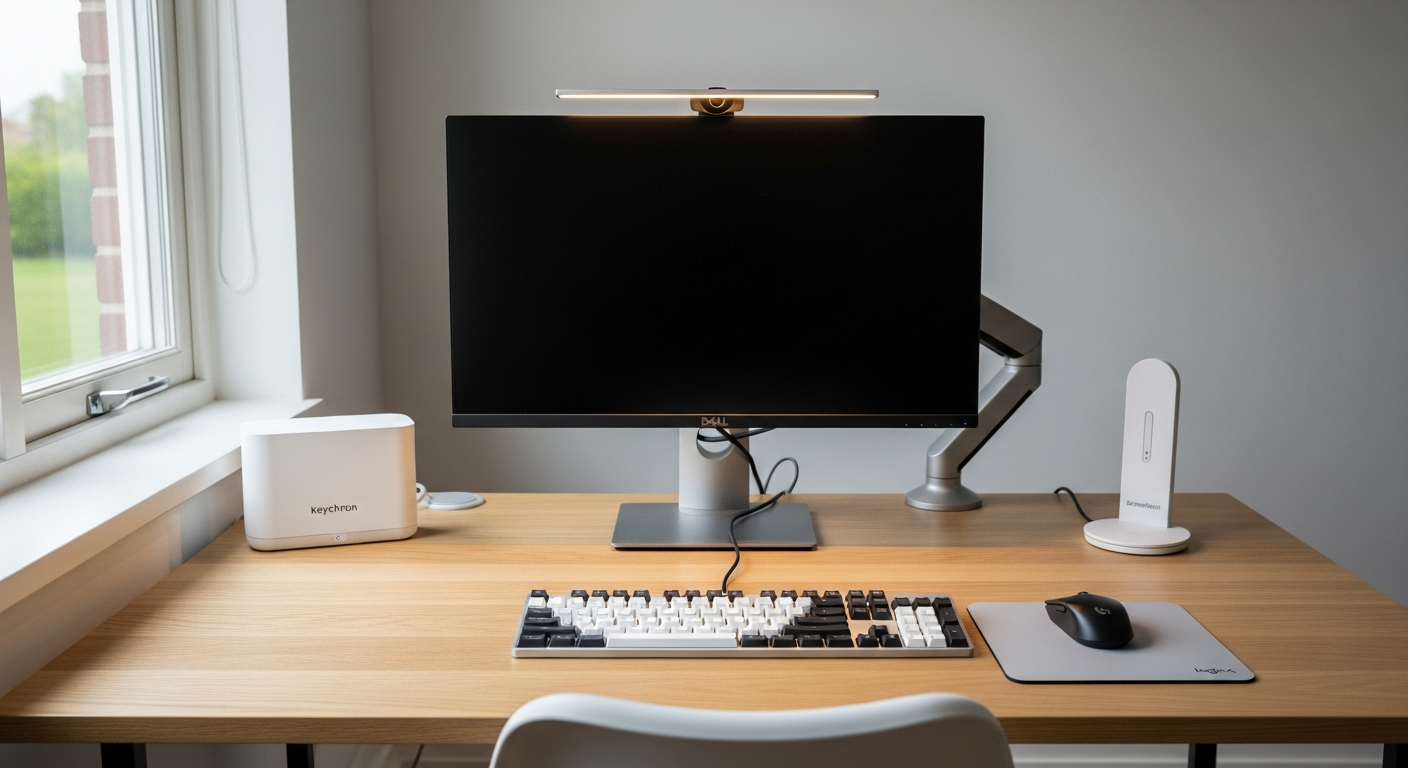
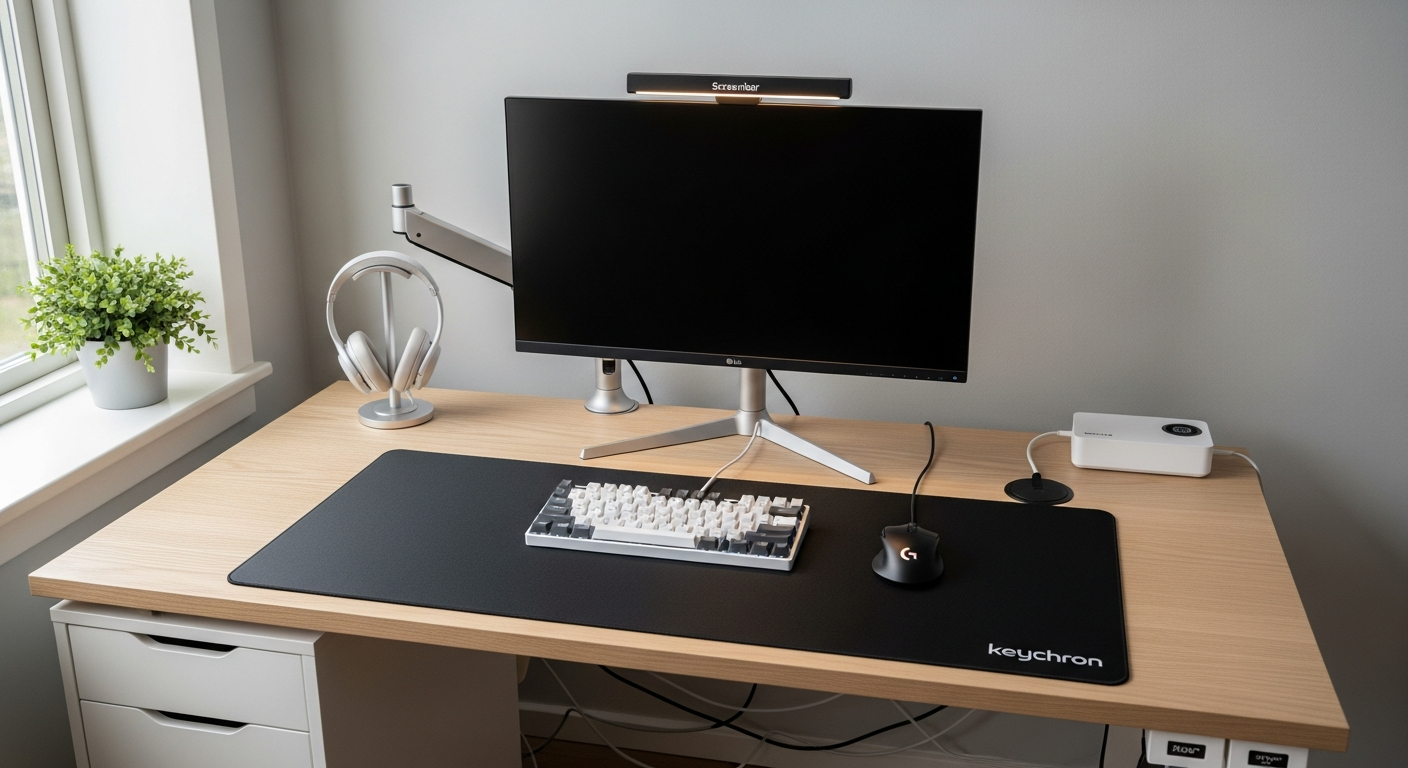
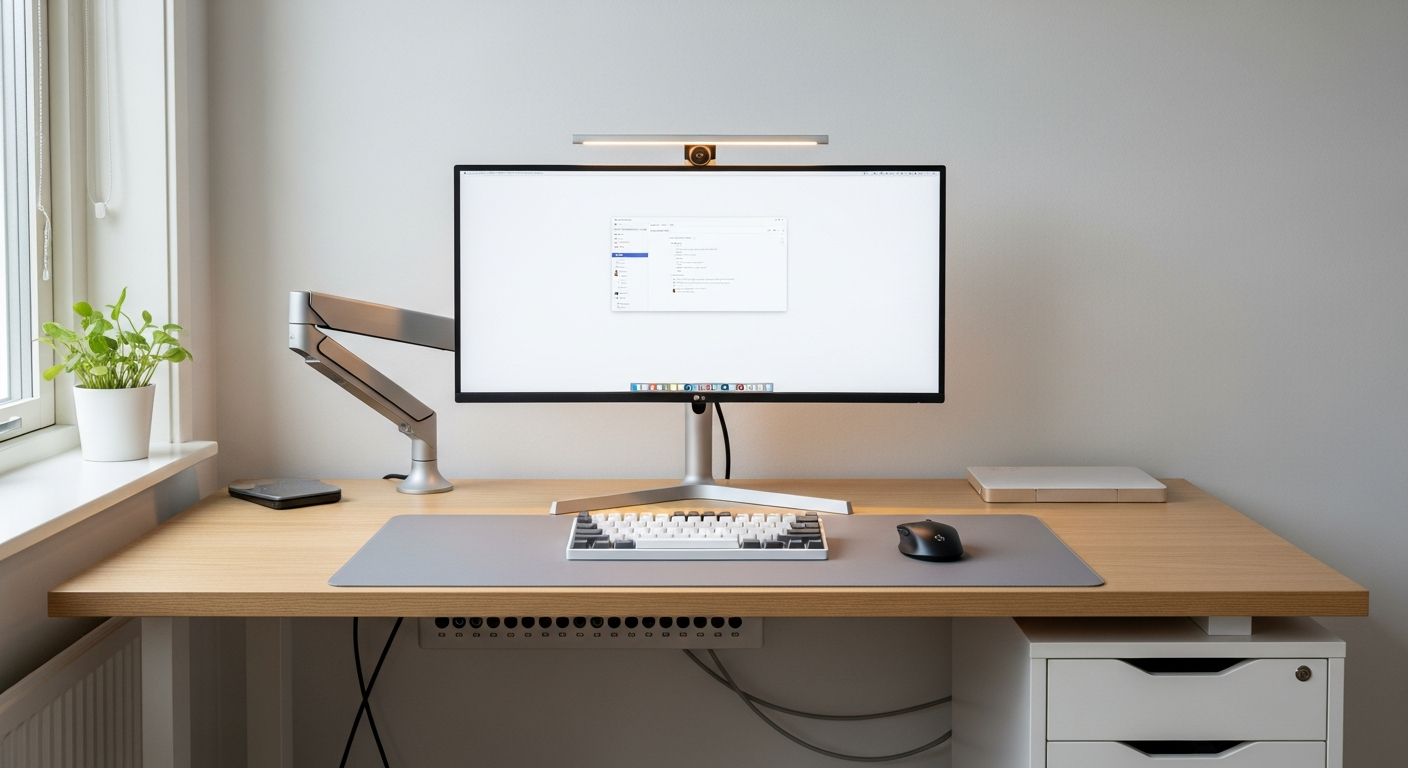
This setup is built to fit where most setups won’t. My apartment desk measures 47 inches wide and 19 inches deep. That’s under four square feet of usable space. I needed a full workstation on that surface without stacking things on top of each other. The monitor arm made it work. Total cost is $680.
We may earn a commission if you buy through our links.
The Desk: IKEA MICKE at $119
I chose the IKEA MICKE Desk as the base. It’s a compact 47-inch desk with a built-in cable hole and a small drawer unit on the right side. The surface is clean and flat. The drawer holds a charger and cables out of sight. At $119, it leaves significant budget for the peripherals that matter more than the table itself. The MICKE is not a premium desk. The laminate surface is thin. But in a small space, paying more for a larger desk often means it won’t fit. I needed exactly this footprint.
The Monitor Arm: Ergotron LX at $147
The Ergotron LX Monitor Arm is the single most impactful purchase in this setup. Before the arm, the monitor stand occupied a 10-inch-deep footprint at the center of the desk. After mounting the arm to the desk edge, the monitor floats at eye level with nothing beneath it. The entire desk surface is now usable. That freed space is where my keyboard, mouse, and notebook sit without crowding.
The Ergotron LX supports monitors up to 25 pounds and 34 inches. The 24-inch Dell S2421HN is well within that range. The arm holds position accurately without slow drift.
The Monitor: Dell S2421HN 24-inch at $149
I chose the Dell S2421HN 24-inch Monitor for this small-space build. A 27-inch panel would extend too far into the room at typical viewing distances on a shallow desk. The 24-inch 1080p IPS panel at 19 inches away provides a comfortable viewing angle without needing to pan my eyes. Color accuracy is solid. The bezel is thin. At $149, it’s one of the best value monitors for productivity work. Gaming performance is limited at 75Hz, but this setup isn’t built for gaming.
Compact Peripherals: Keychron K3 Pro ($119) and MX Anywhere 3 ($79)
The Keychron K3 Pro Keyboard is a 75% layout. That means no numpad and a compact right side. The footprint is roughly half the width of a full-size keyboard. For a small desk, this matters. The Bluetooth connection keeps the surface clean. Low-profile Gateron switches give tactile feedback without adding height.
The Logitech MX Anywhere 3 Mouse is the smallest ergonomic mouse Logitech makes. It fits in a pocket but holds the hand naturally. The scroll wheel is fast and precise. It works on any surface, including glass, which is useful if you work away from the desk.
Lighting: BenQ ScreenBar at $63
The BenQ ScreenBar Monitor Light attaches to the top of the Dell monitor. It lights the keyboard and desk surface without a separate desk lamp taking up space. On a 19-inch-deep desk, a lamp would be in the way constantly. The ScreenBar solves lighting without occupying any surface footprint.
What I’d Change
The IKEA MICKE desk wobbles slightly. It’s designed for light home use. Under daily typing, the lateral movement is noticeable. I added a rubber pad under each leg, which helped. The Dell S2421HN lacks USB-C. A monitor with USB-C pass-through would simplify cabling significantly. I’d also swap the monitor for a 1440p panel eventually. At 24 inches, 1080p is acceptable but the pixel density starts to show on text-heavy work.