Clean Standing Desk Setup with Zero Visible Cables
How I eliminated all visible cables from my standing desk setup using a cable spine, under-desk tray, and velcro. Full product list included.
This setup started because the cable situation under my old static desk was becoming embarrassing. After moving to a FlexiSpot E5 standing desk, I used the opportunity to eliminate every visible cable. This is how I did it, step by step.
We may earn a commission if you buy through our links.
Step 1: Audit Every Cable Before You Route Any of Them
Before buying any cable management hardware, I unplugged everything and laid it out on the floor. I counted every cable: power bricks, USB, display, and audio. The total was eleven cables for one monitor, one laptop, speakers, and a light.
Knowing the total upfront determines how large a cable tray you need and how many ties to buy. I bought a 100-pack of Velcro One-Wrap Cable Ties for this reason. Running out mid-project is a frustrating stop.
The rule I set before starting: if a cable could be replaced with a wireless connection, replace it first. The Keychron K3 Wireless Keyboard replaced a wired keyboard and immediately removed one cable from the desk surface. Fewer cables routed is always better than neatly routed cables.
Step 2: Mount the Power Strip Under the Desk
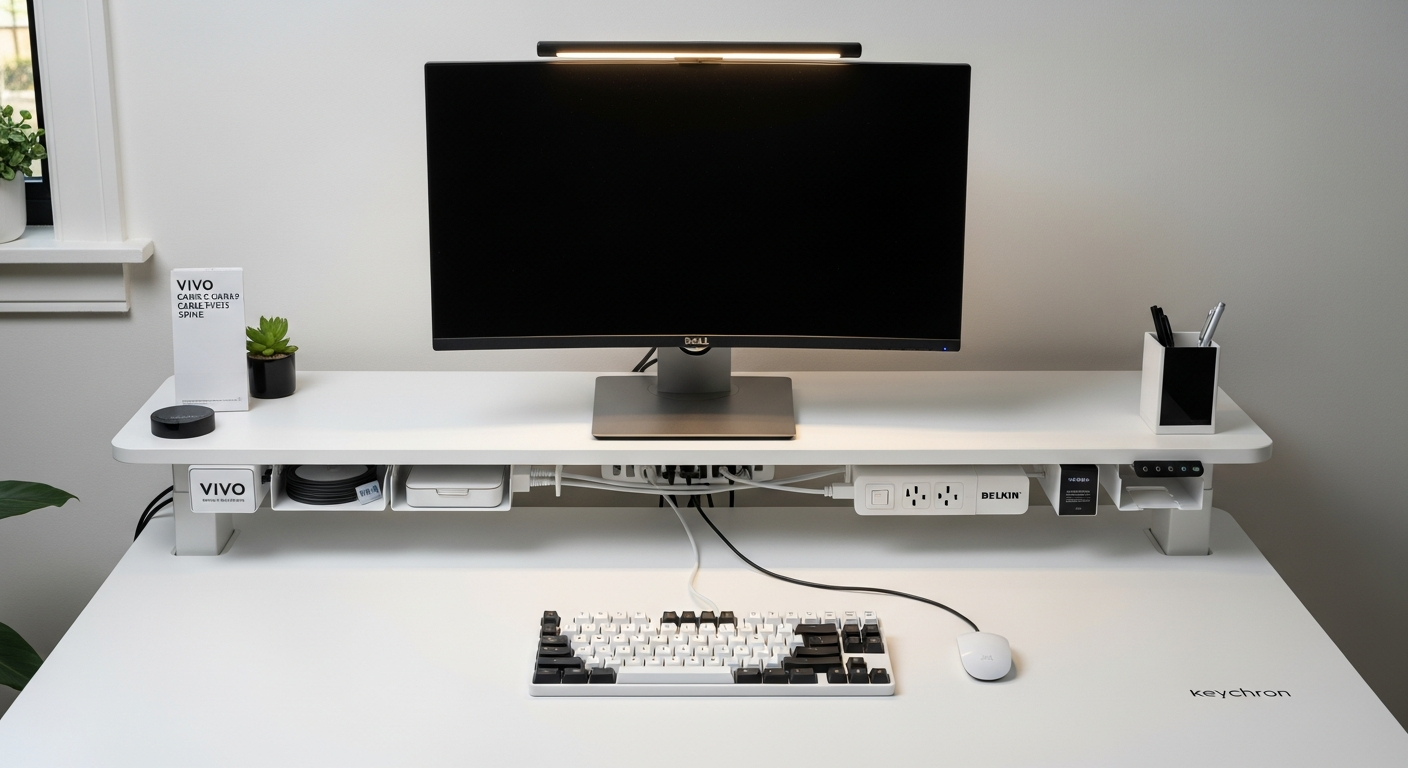
The Mountable Power Strip by Belkin screws directly to the underside of the desk top using the included hardware. This is the single most impactful change in the entire process. Moving the power strip off the floor eliminated the five cables that previously ran down to a strip sitting on the ground.
Position the strip toward the back of the desk, centered between the legs. This keeps power cable runs short for any device sitting on the desk. Leave enough space between the strip and the desk edge so the strip does not interfere with your legs when seated.
I used the included screws rather than adhesive mounting. Adhesive strips can fail under the weight of the strip and its cables. Screws do not.
Step 3: Install the Under-Desk Cable Tray
The Under Desk Cable Tray by VIVO mounts beside the power strip and holds bundled cable slack. All excess cable length gets folded and tucked here. Without this tray, that slack would dangle below the desk or pool on the floor.
The tray attaches via screws in the same way as the power strip. Position it next to the Belkin strip so cables run directly from the tray into the strip’s outlets. Keep the tray accessible from one side, because you will need to open it when swapping devices.
Bundle cables before placing them in the tray using the velcro ties. Group cables by destination: desk surface cables together, floor-bound cables together.
Step 4: Handle the Vertical Run with a Cable Spine
A standing desk introduces a problem static desks do not have. Cables must travel from the underside of the desk to the floor, and that distance changes every time the desk moves. A fixed cable run will bind, fray, or pull loose over time.
The VIVO Cable Management Spine solves this. It is a flexible sleeve that zips closed around a cable bundle. One end attaches to the underside of the desk with a screw mount. The other end terminates near the floor with a cable wrap. As the desk rises and falls, the spine extends and retracts.
Route only the cables that must reach the floor through the spine: typically the desk’s own power cable and any floor-routed laptop charger. Keep as many cables as possible in the under-desk tray to minimize what passes through the spine.
Step 5: Finish the Desk Surface with Adhesive Cable Clips
After the underside was clean, the final step was the desk surface. The Dell S2722DGM monitor’s display cable runs along the back edge of the desk before dropping to the under-desk tray. I used Cable Clips Adhesive (50-pack) to pin the cable flat against the rear edge of the tabletop.
Apply clips every six to eight inches along the cable run. Press each clip firmly for thirty seconds before routing the cable through it. On a wood desk, these hold reliably for months without peeling.
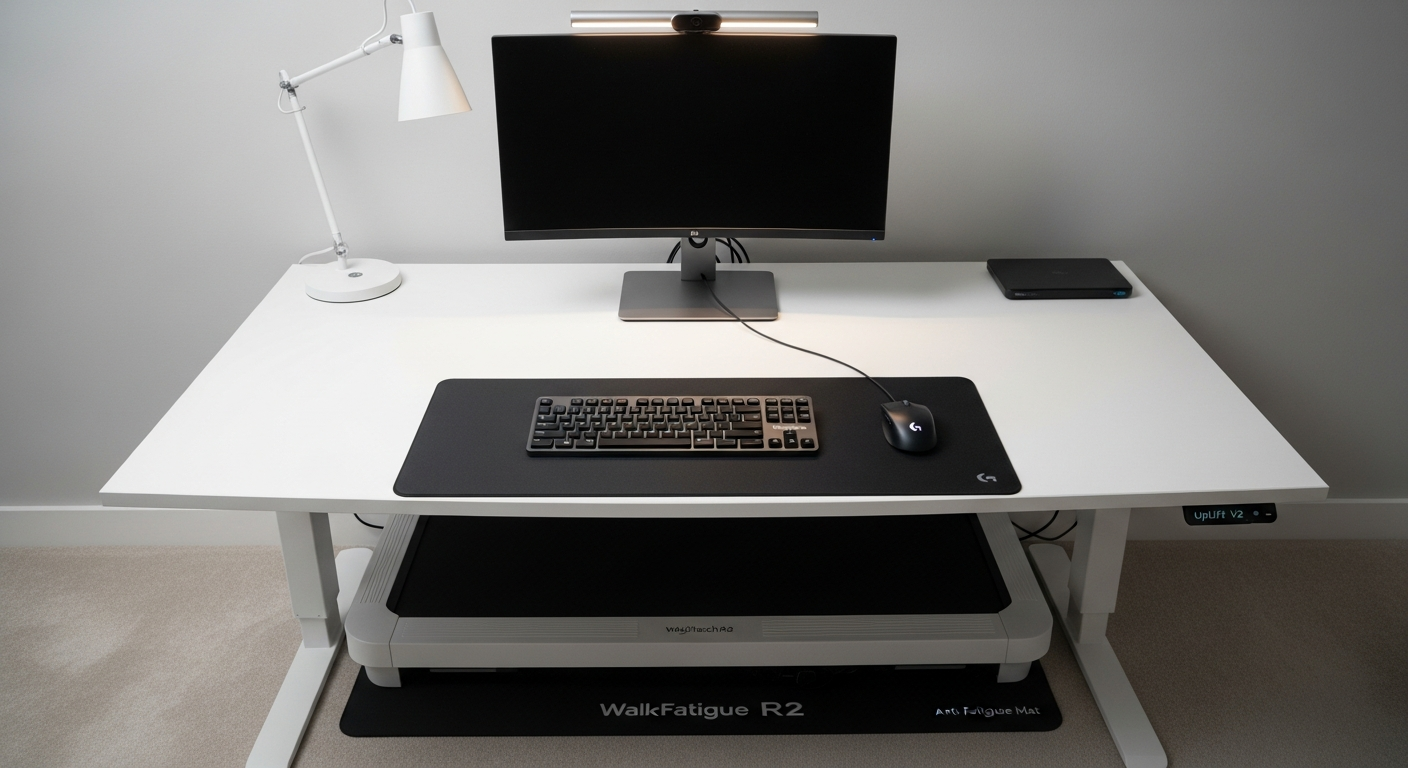
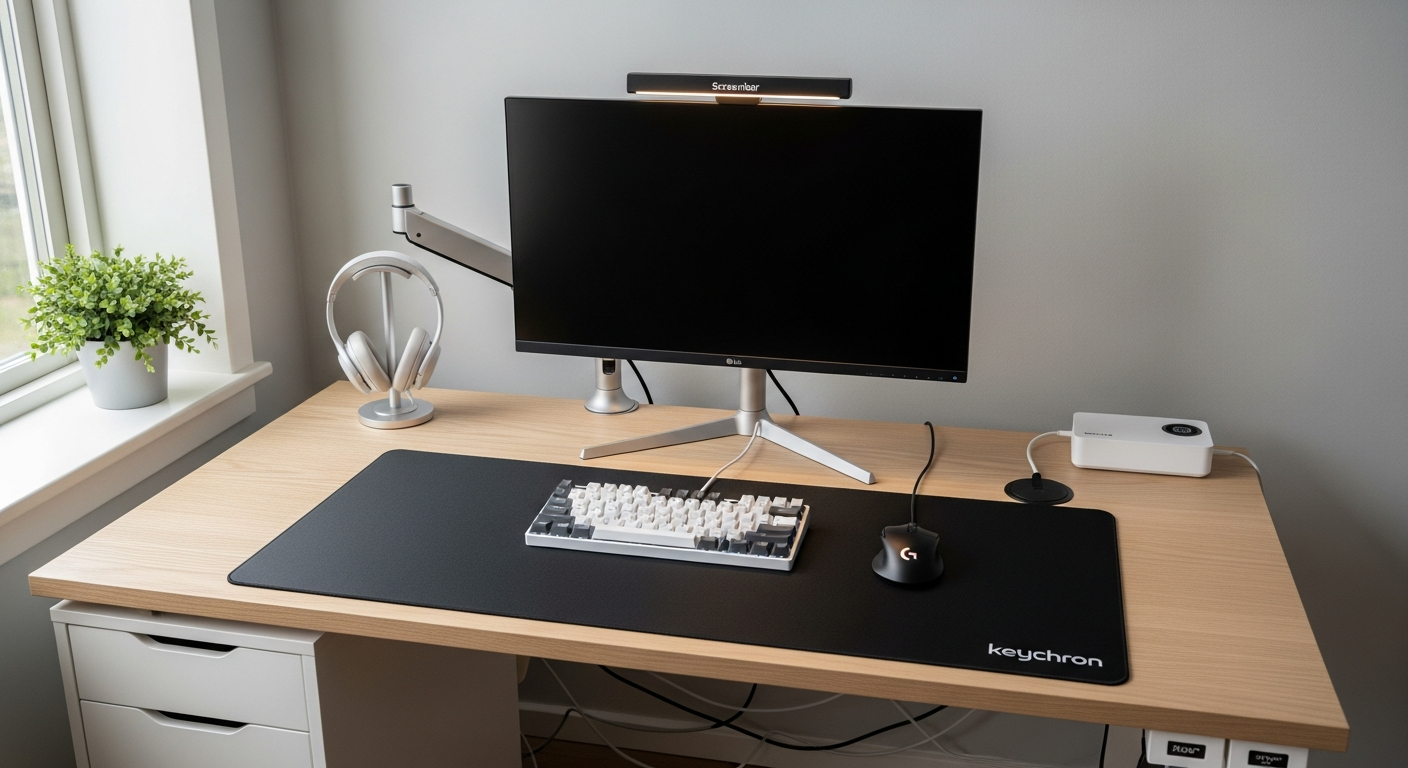
The result is a desk surface with zero cables visible from the front or sides. Only the monitor and keyboard sit on the surface.
What I’d Change
The adhesive cable clips work fine on the flat desk surface, but they occasionally peel when exposed to heat from direct sunlight. I’d use a cable channel rail instead. A rail screws into the desk edge and completely conceals cables without relying on adhesive.
I’d also skip the Belkin power strip in favor of a model with integrated USB-C ports. The Belkin has only standard outlets. Adding a USB-C charger for the laptop means one more brick in the tray. A power strip with built-in USB-C would reduce that to zero.
Gear in This Setup
FlexiSpot E5 Standing Desk
$429
VIVO Cable Management Spine
$35
Under Desk Cable Tray by VIVO
$22
Velcro One-Wrap Cable Ties (100-pack)
$14
Mountable Power Strip by Belkin
$34
Cable Clips Adhesive (50-pack)
$8
Dell S2722DGM 27-inch Monitor
$249
Keychron K3 Wireless Keyboard
$59