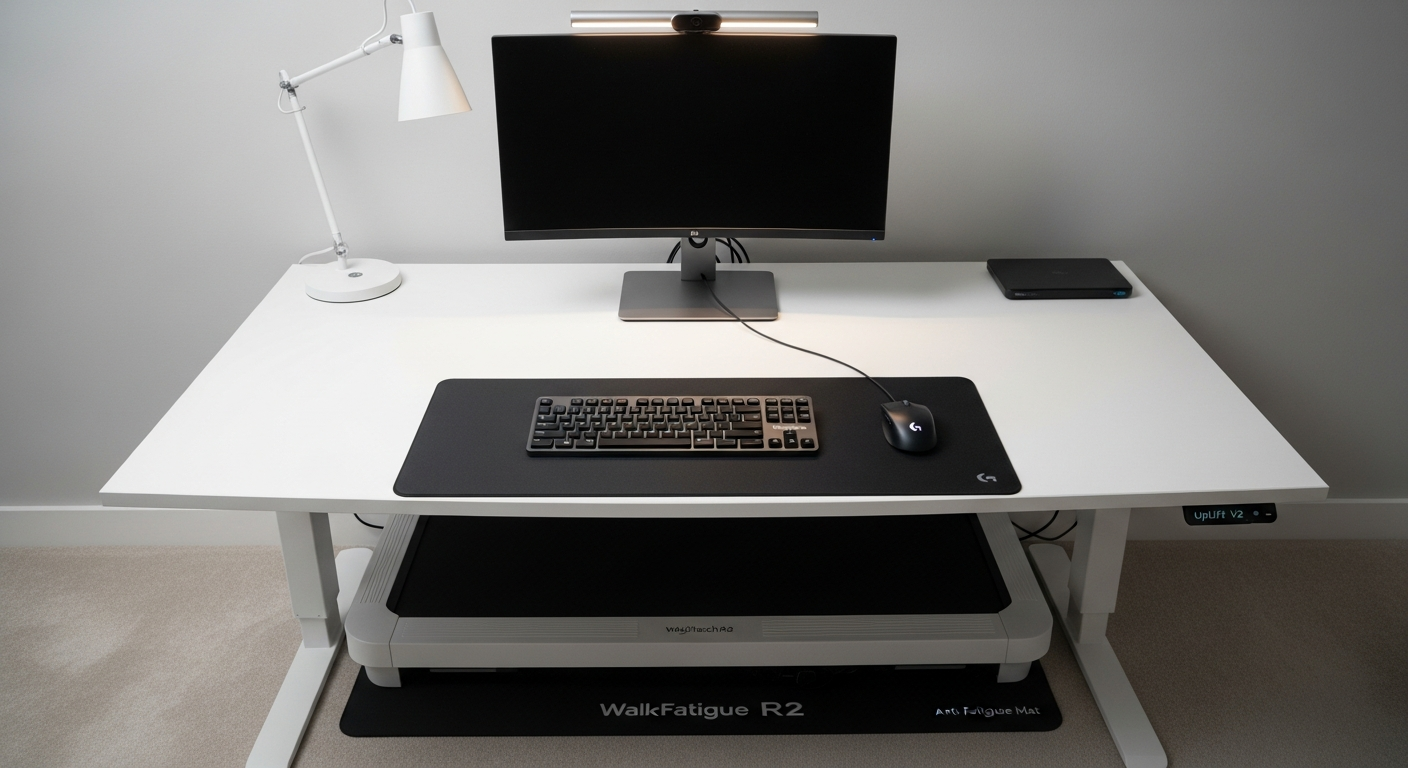
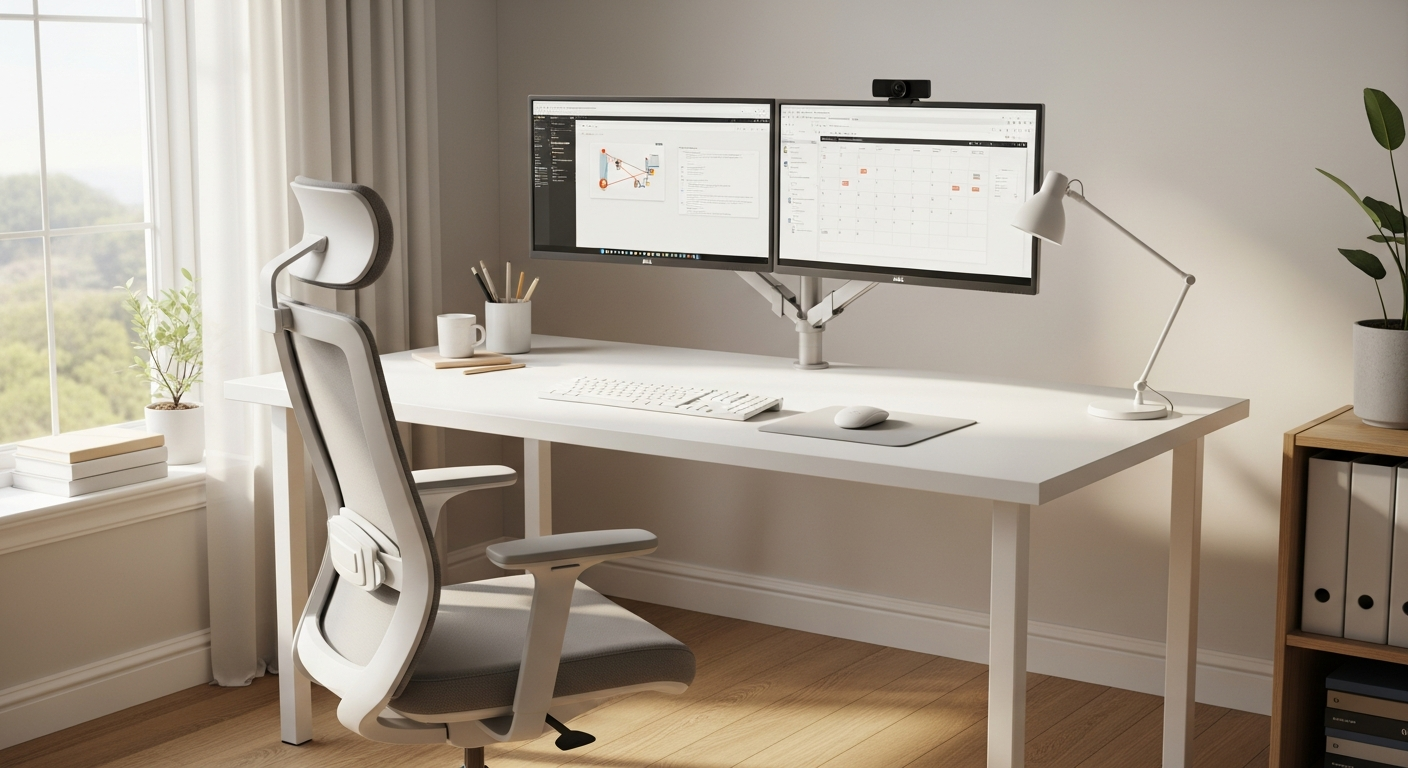
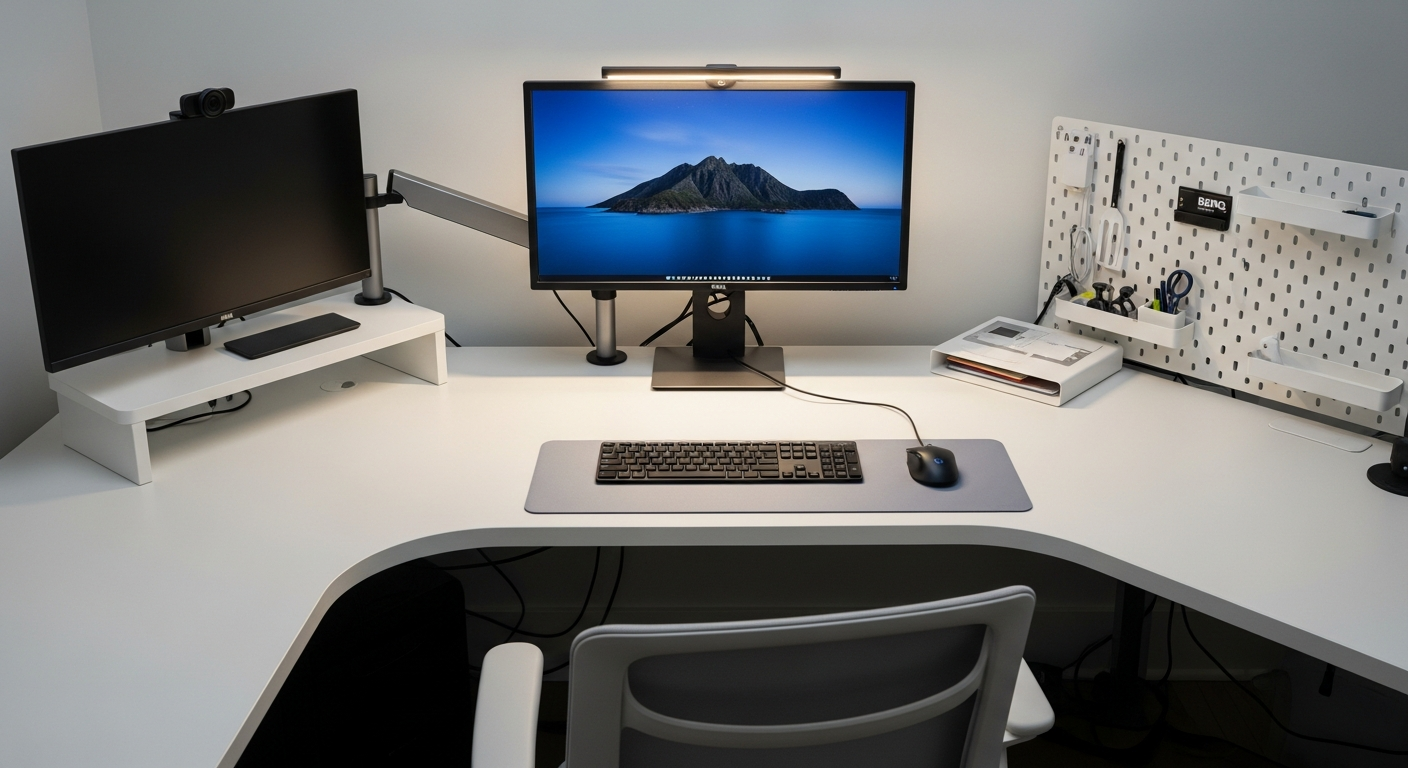
My Standing Desk Home Office Setup for Full-Time Remote Work
A full-time remote work home office setup built around a FlexiSpot E7 standing desk, dual monitors, and clean cable management. Total cost: $1,650.
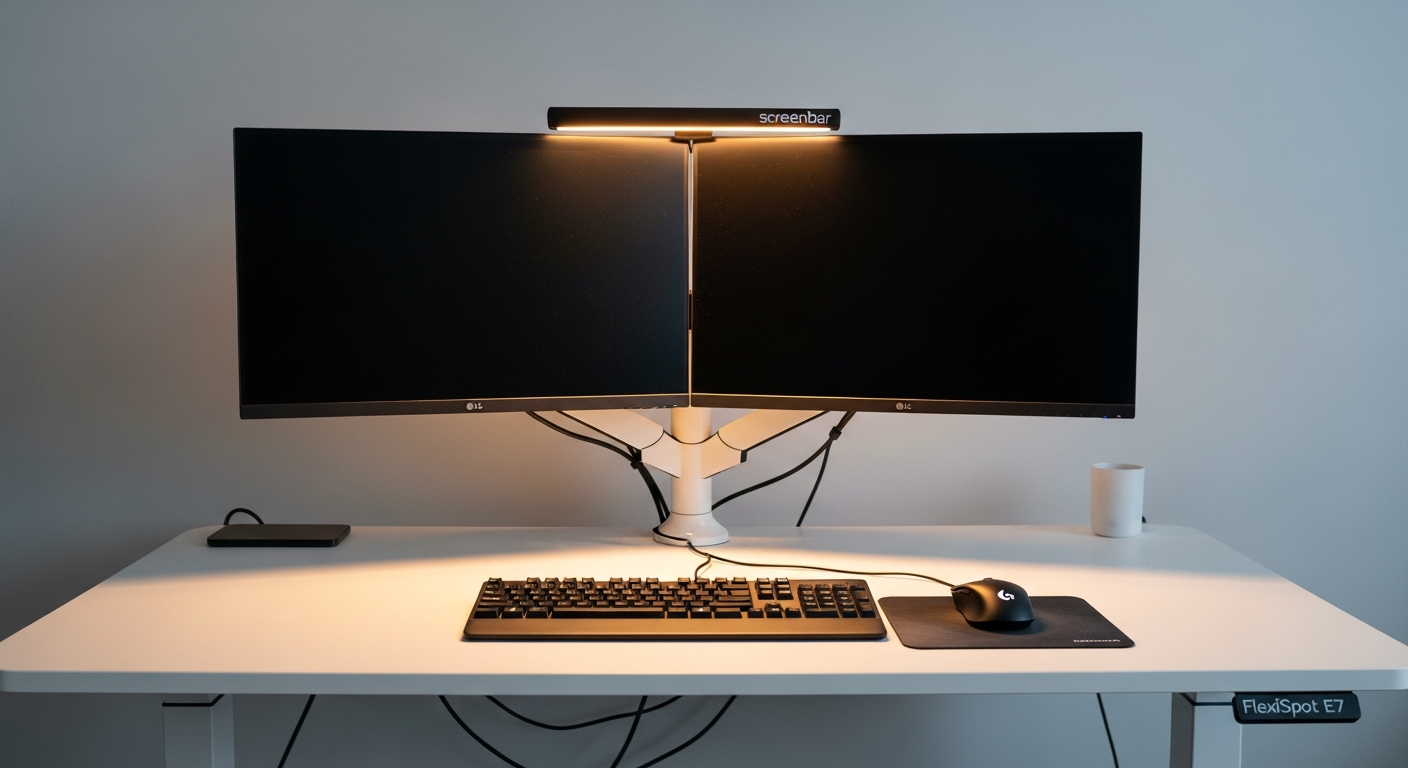
This setup is built around one goal: spending eight hours a day at a desk without paying for it physically. After two years of working remote, I finally invested in the gear that made that possible.
We may earn a commission if you buy through our links.
The Standing Desk: FlexiSpot E7
The FlexiSpot E7 is the desk everything else is built around. It costs $549 with the bamboo top and it earns every dollar. The dual-motor frame is the reason I chose it over cheaper single-motor options. At full standing height, there is zero sway even with two monitors mounted on arms.
The height range runs from 24.4 inches to 50 inches, which covers both seated and standing positions for most people. The keypad saves four height presets. My seated and standing heights are locked in, so transitioning takes one button press.
Assembly took about 90 minutes solo. The instructions are clear and the frame hardware is well labeled. The only tool required is the included hex key.
Dual Monitors: Two LG 27UK850-W
This setup uses two LG 27UK850-W monitors, each a 27-inch 4K IPS panel. Running two of the same display side by side means identical color and brightness. There is no visual mismatch when moving windows between screens.
The 3840 x 2160 resolution at 27 inches gives enough pixel density that text looks sharp at normal viewing distances without scaling. For document work, spreadsheets, and video calls, these panels are excellent. They are not designed for gaming. The 60Hz refresh rate is fine for productivity.
Both monitors connect over USB-C, which keeps cable runs simple. Each panel also charges a laptop at 60W, so one cable handles display and power.
Monitor Arms: Ergotron LX
A single Ergotron LX Monitor Arm handles both displays via a dual arm extension. Mounting the monitors on arms freed up the entire desk surface. There is nothing sitting on the desk itself except the keyboard, mouse, and a small desk pad.
The Ergotron arm holds its position reliably. After adjusting the tension once during setup, neither monitor has drifted in months of daily use. The arm also moves cleanly when I switch from sitting to standing, which matters since the monitors need to stay at eye level in both positions.
Keyboard and Mouse: Logitech MX Keys and MX Master 3S
The Logitech MX Keys is a low-profile wireless keyboard with backlit keys that adjust brightness based on ambient light. Typing feel is firm and consistent. The full-size layout includes a numpad, which I use constantly for number-heavy work.
The Logitech MX Master 3S pairs with the same USB receiver as the keyboard. The magnetic scroll wheel is accurate and quiet. The side thumb button and customizable scroll wheel let me map shortcuts I use every day. The battery lasts around four weeks on a charge.
Both devices use the same Logitech Bolt USB receiver. One dongle handles both peripherals.
Lighting: BenQ ScreenBar
The BenQ ScreenBar Monitor Light clips directly to the top of a monitor and angles light down onto the desk. It does not cast any glare on the screen itself. The asymmetric optical design directs light forward onto the work surface.
The ScreenBar has an auto-dimming sensor that reads ambient light and adjusts brightness automatically. I leave it on auto during the day and drop it to a warm, low setting in the evening. The touch controls on the top bar are easy to reach without looking.
For video calls, this light makes a visible difference. My face is evenly lit without needing a separate ring light or lamp.
What I’d Change
The one thing I’d change is the monitor choice. The LG 27UK850-W is a great panel, but I bought two at $300 each before USB-C hubs became common on monitors. Today I’d look at a single ultrawide 34-inch display instead of two separate 27-inch monitors. One screen means no bezel gap in the middle and one cable instead of two.
I’d also add a USB hub to the desk. Right now I’m routing cables to the back of the monitors for USB-A ports, which is inconvenient. A mounted hub on the desk edge would be more practical.