Triple Monitor Trading Desk Setup Under $3,000
A triple monitor trading setup with three 27-inch displays, a standing desk, and full cable management. Built for active traders who need data on every screen. Total cost: $2,750.
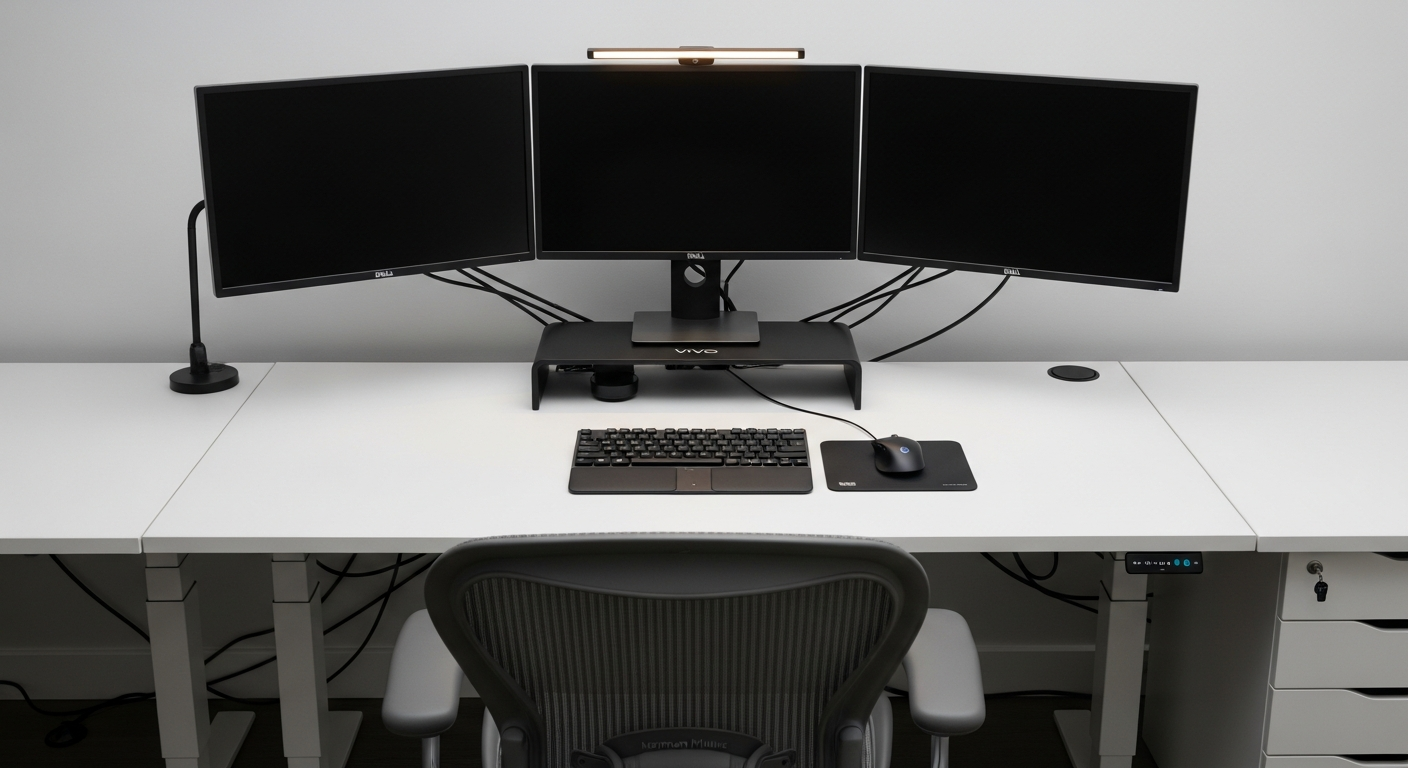
This setup is built around data access. Active trading means watching price action, order flow, and news feeds at the same time. One monitor is never enough. I built this triple-screen workstation for $2,750 total, and after months of daily use, I wouldn’t drop a single display.
We may earn a commission if you buy through our links.
The Desk: Uplift V2 Standing Desk 72-inch at $899
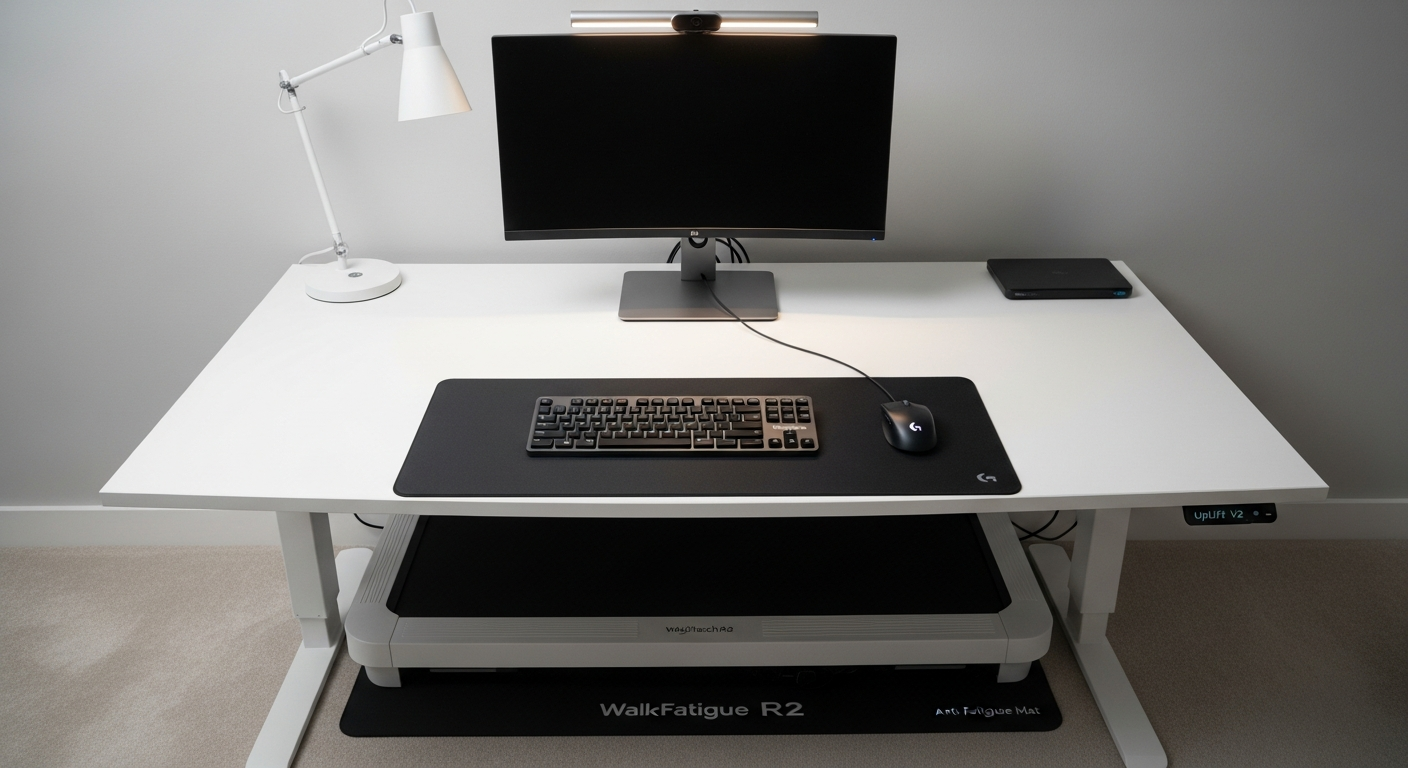
I chose the Uplift V2 Standing Desk 72-inch specifically for the surface width. Three 27-inch monitors need space. The 72-inch top fits all three displays comfortably, with room left for a notebook and coffee. The standing function matters for trading. Staying seated through volatile sessions increases fatigue. I switch to standing for the first hour of market open. The V2’s height range of 25.5 to 51.1 inches accommodates standing use at my height without hunching. The frame is stable even with three monitors mounted on an arm.
The Monitors: Dell S2722DGM x3 at $747 Total
I picked the Dell S2722DGM 27-inch Monitor and bought three units. At $249 each, they’re the best value for trading at this size. The key specs for trading: 165Hz refresh rate, 1ms response time, and 1440p resolution. Higher refresh rates aren’t just for gaming. Fast-moving charts at 165Hz look significantly smoother than 60Hz. I can read candlestick patterns more clearly during rapid price moves. The VA panel gives deep blacks for dark-themed charting software. Brightness peaks at 350 nits, which handles the office lighting in my room without washing out.
The Mount: VIVO Triple Monitor Stand at $89
The VIVO Triple Monitor Stand holds all three displays on a single freestanding base. This was the right choice for my setup because I didn’t want to drill into the Uplift desk surface. The stand fits a single desk grommet hole or can sit freestanding. I used the grommet option for stability. The center monitor sits straight. The two outer panels tilt inward at roughly 30 degrees each. After adjusting the tilt, the layout forms a slight arc. That curve reduces neck rotation during long sessions. The stand takes 30 minutes to set up. The instructions are clear.
Peripherals and Chair: MX Keys ($119), MX Master 3S ($99), Aeron ($797)
The Logitech MX Keys Keyboard has a low profile that keeps wrist angle neutral. I’m not a mechanical keyboard person. The quiet keys suit the focused environment. The Logitech MX Master 3S Mouse handles all-day use comfortably. The horizontal scroll wheel is genuinely useful for scrolling across wide spreadsheets and order books.
The Herman Miller Aeron Chair (B) is the biggest single expense at $797. Trading sessions run 6 to 8 hours. Back pain kills focus. The Aeron’s PostureFit SL lumbar support and 8Z Pellicle mesh keep me comfortable into the afternoon. I tried three cheaper chairs before buying the Aeron. None lasted. This one has held up for over a year without any degradation.
What I’d Change
The VIVO stand is good but not great. The arms drift very slowly over weeks. I tighten them every month. A higher-end mount like the Ergotron would hold position better. I’d also add a proper lighting solution. Right now I rely on overhead lighting, which creates glare on the outer panels in the afternoon. A monitor bias light on each screen would fix this. The Uplift desk was worth every dollar, but if budget were tight, I’d cut there first before touching the monitors or chair.
Gear in This Setup
Uplift V2 Standing Desk 72-inch
$899
Dell S2722DGM 27-inch Monitor (x3)
$747
VIVO Triple Monitor Stand
$89
Logitech MX Keys Keyboard
$119
Logitech MX Master 3S Mouse
$99
Herman Miller Aeron Chair (B)
$797