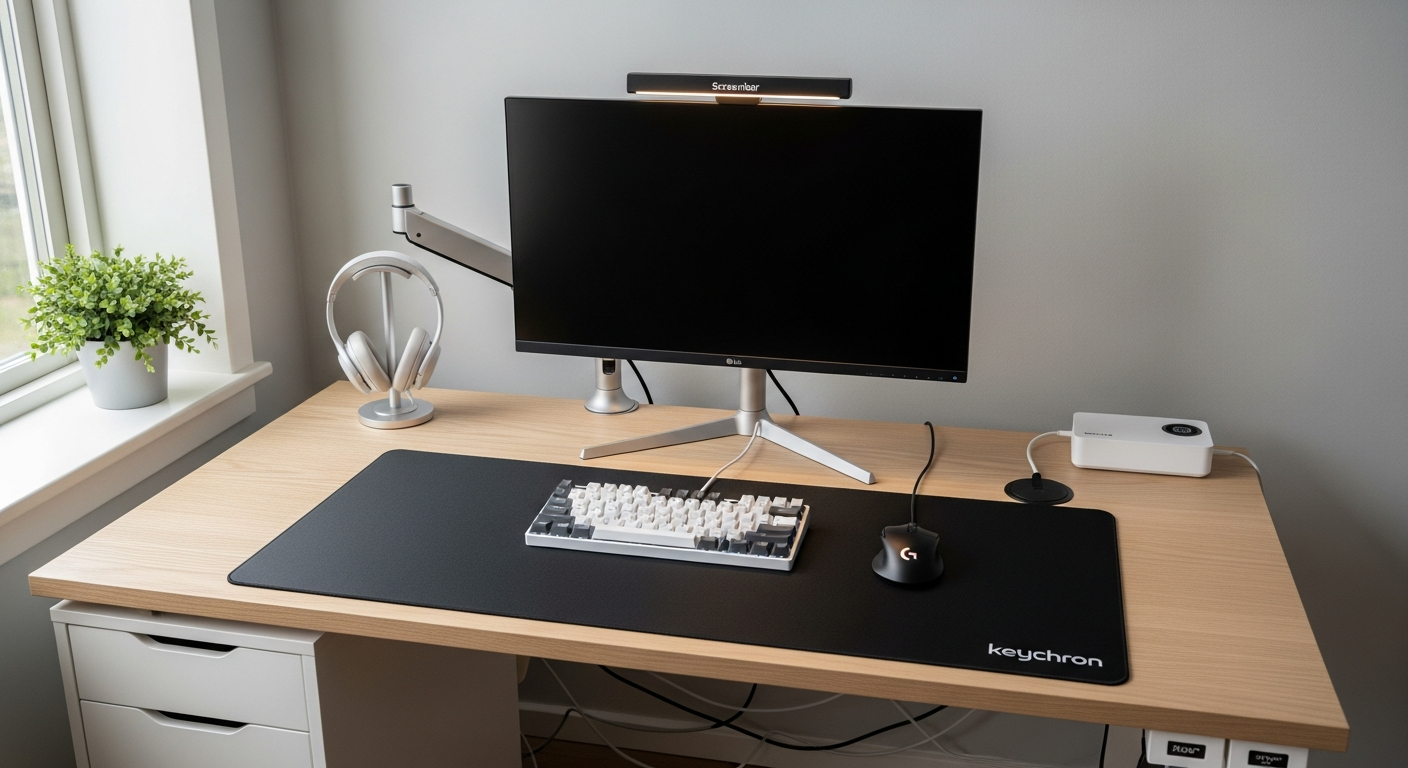
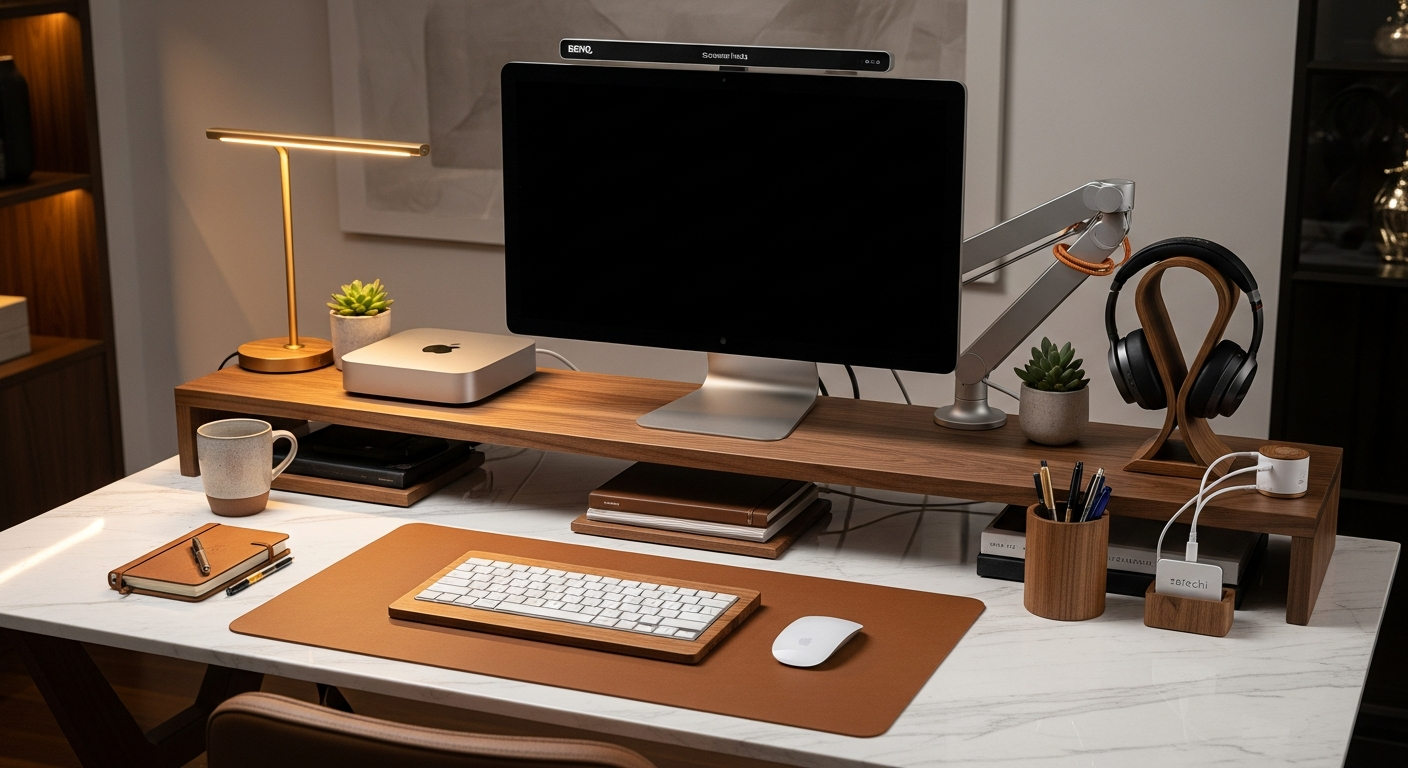
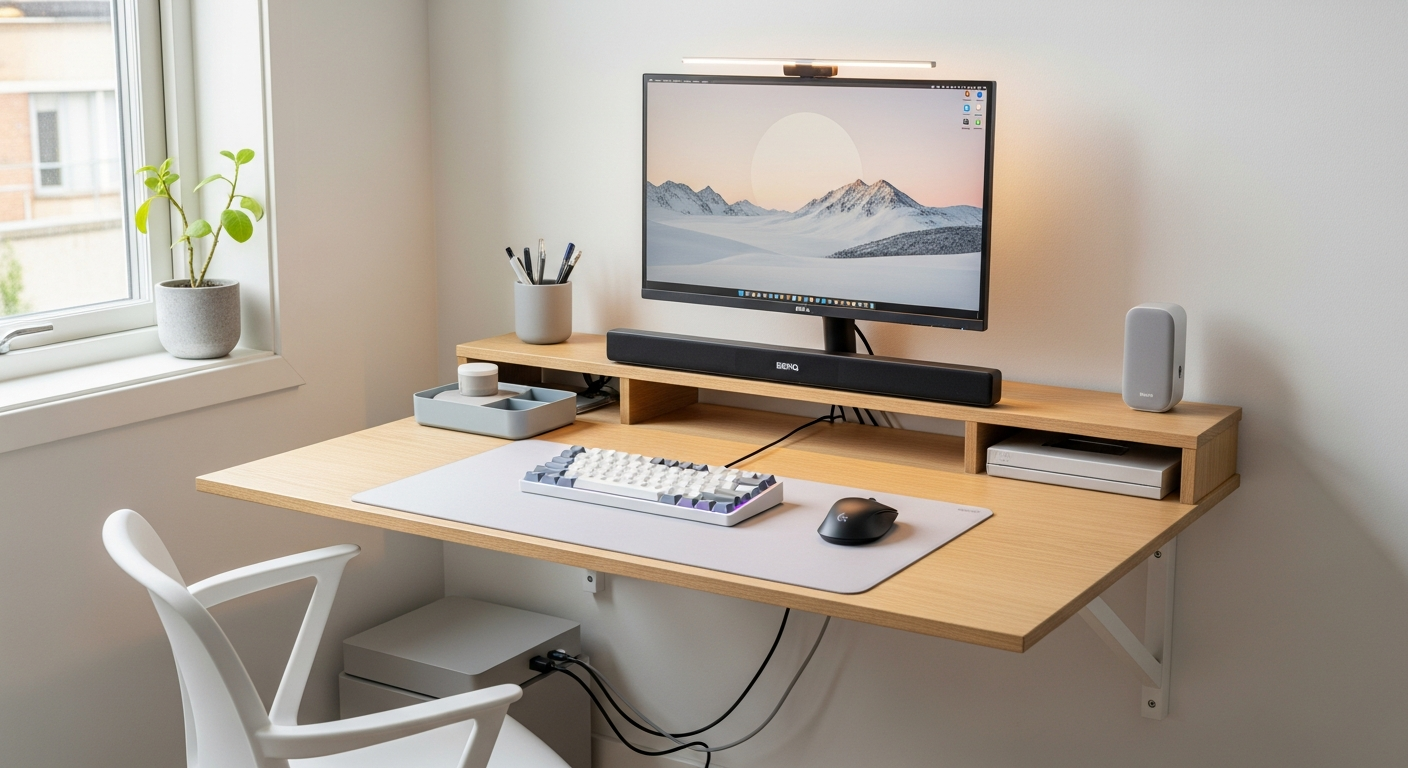
Ultrawide Productivity Setup: One Monitor to Rule Them All
A single ultrawide monitor productivity setup that replaces dual monitors without the bezel. Built for developers, writers, and power users. Total cost: $1,430.
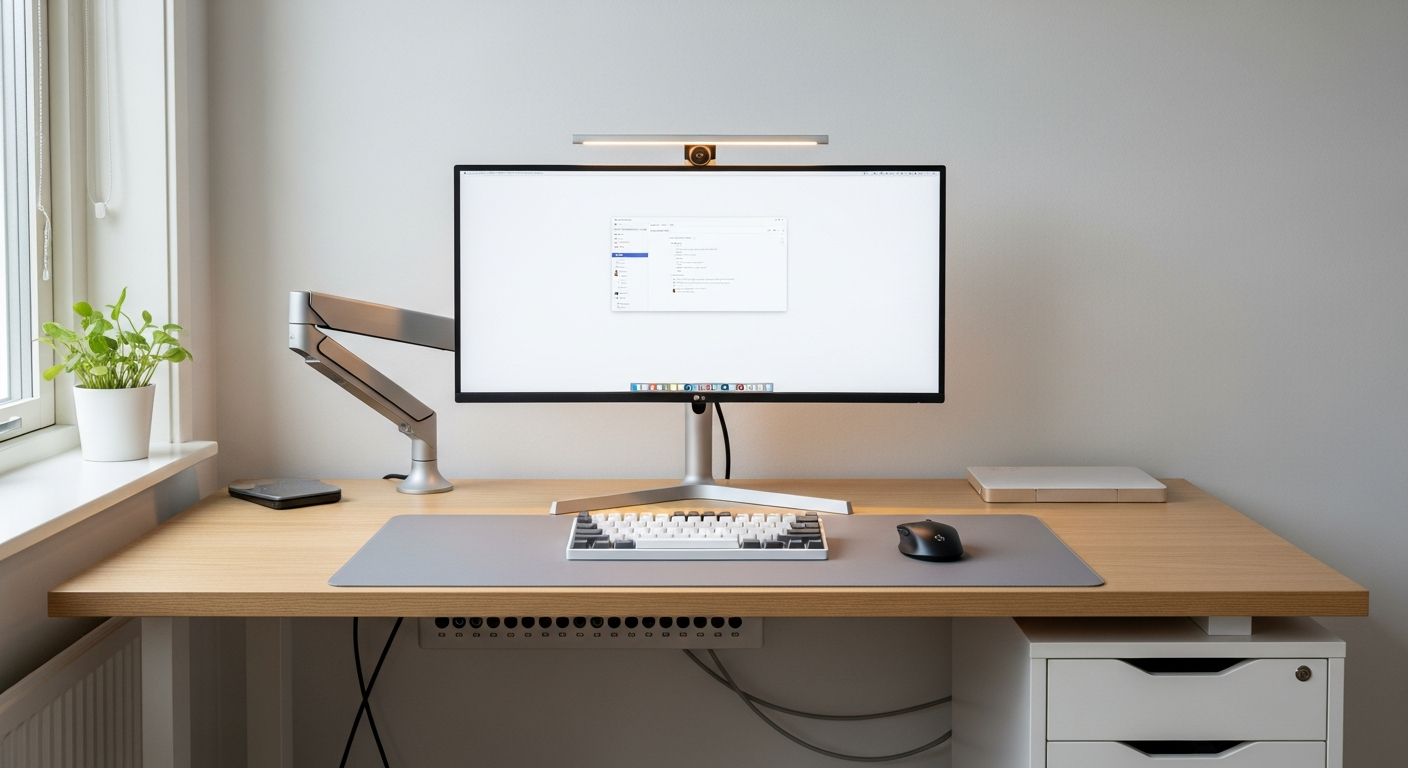
This setup is built around one display. The LG 34WN80C-B Ultrawide Monitor replaces two 27-inch monitors without the center bezel dividing them. I chose this layout after using dual monitors for three years. The ultrawide is better for focused work. Total cost is $1,430.
We may earn a commission if you buy through our links.
Ultrawide vs. Dual Monitors: The Real Comparison
Dual monitors have one advantage: independent display zones. Each screen can show a completely separate application at full resolution. Ultrawide has two advantages: no bezel breaking visual continuity, and a single focal point that reduces head rotation.
For my workflow, writing code and referencing documentation simultaneously benefits from the continuous wide canvas. The 34-inch, 21:9 aspect ratio gives enough horizontal space for three tiled windows. In macOS, I use Rectangle to manage panes. In Windows, the Snap feature handles the same function. Three equal panes on the LG 34WN80C-B give each window the width of a standard 1080p monitor.
The Monitor: LG 34WN80C-B at $499
The LG 34WN80C-B Ultrawide Monitor runs 3440x1440 resolution on a 34-inch IPS panel. That’s the standard “ultrawide” resolution. The panel covers 99% of sRGB. The curve is gentle at 2300R. It’s subtle enough to not distort window edges but reduces neck strain at the edges of the screen.
The built-in USB-C with 60W power delivery connects to my MacBook Pro with one cable. The cable carries display signal and charges the laptop. That single connection is clean and fast to disconnect when I need to leave. The two HDMI 2.0 ports allow a second device to connect simultaneously. I switch inputs for my personal machine.
The Arm: Ergotron HX at $219
The Ergotron HX Monitor Arm is necessary for an ultrawide of this size. The LG 34WN80C-B weighs 9.3 kilograms. Standard monitor arms are rated to 8 kilograms and drift over time under that weight. The Ergotron HX is rated to 19.8 kilograms. It holds the ultrawide at exactly the set height without drift. After months of use, I have never re-adjusted the height.
The arm mounts to the IKEA KARLBY desk on Alex Drawers via a desk clamp at the rear edge. The arm extends forward to position the screen 24 inches from my eyes. At that distance, the 34-inch panel fills 76 degrees of horizontal field of view. That’s the target range for comfortable ultrawide use.
The Desk: IKEA KARLBY on ALEX Drawers at $318
I chose the IKEA KARLBY Desk on Alex Drawers for desk depth. The KARLBY is 25 inches deep. Ultrawide monitors need to sit further back than standard 27-inch displays. At 20 inches, a 34-inch ultrawide is too wide to take in without scanning. At 24 inches, the field of view is comfortable. The KARLBY’s depth plus the Ergotron arm extension achieves the right distance.
The walnut surface also provides a warm contrast against the dark monitor and keyboard. The ALEX drawers on both sides provide storage that keeps the surface clear.
Window Management: macOS and Windows
On macOS, Rectangle (free) allows snapping windows to left-third, center-third, and right-third positions with keyboard shortcuts. I use these constantly. My layout: code editor left, terminal center-bottom, browser documentation top-right. On Windows, FancyZones from PowerToys handles custom ultrawide grid layouts. Both tools are free and make the ultrawide investment immediately productive.
What I’d Change
The LG 34WN80C-B’s refresh rate is 60Hz. For productivity work, 60Hz is fine. If gaming is part of the use case, the LG 34GP83A-B is the 160Hz alternative at a higher price. The IKEA KARLBY walnut veneer shows scratches in direct light after extended use. I’d add a larger desk mat to protect more of the surface.
Gear in This Setup
LG 34WN80C-B Ultrawide Monitor
$499
Ergotron HX Monitor Arm
$219
IKEA KARLBY Desk on Alex Drawers
$318
Keychron Q1 Pro Keyboard
$199
Logitech MX Master 3S Mouse
$99
BenQ ScreenBar Monitor Light
$63
Under Desk Cable Tray
$19
Desk Mat 36x17
$14